16 | Troubleshooting
DDM may not work with below monitors:
• Dell monitor models that shipped earlier than 2013 and D-series of Dell
monitors.
For more information see www.dell.com/support/monitors.
• Gaming monitors using Nvidia-based G-sync technology
• Virtual and wireless displays do not support DDC/CI
• Some early models of DP 1.2 monitors, it may be necessary to disable
MST/DP 1.2 using the monitor OSD
If your computer is connected to the Internet, you will be prompted to upgrade to
a new version of DDM when it is available. It is recommended to download and
install the latest DDM application.
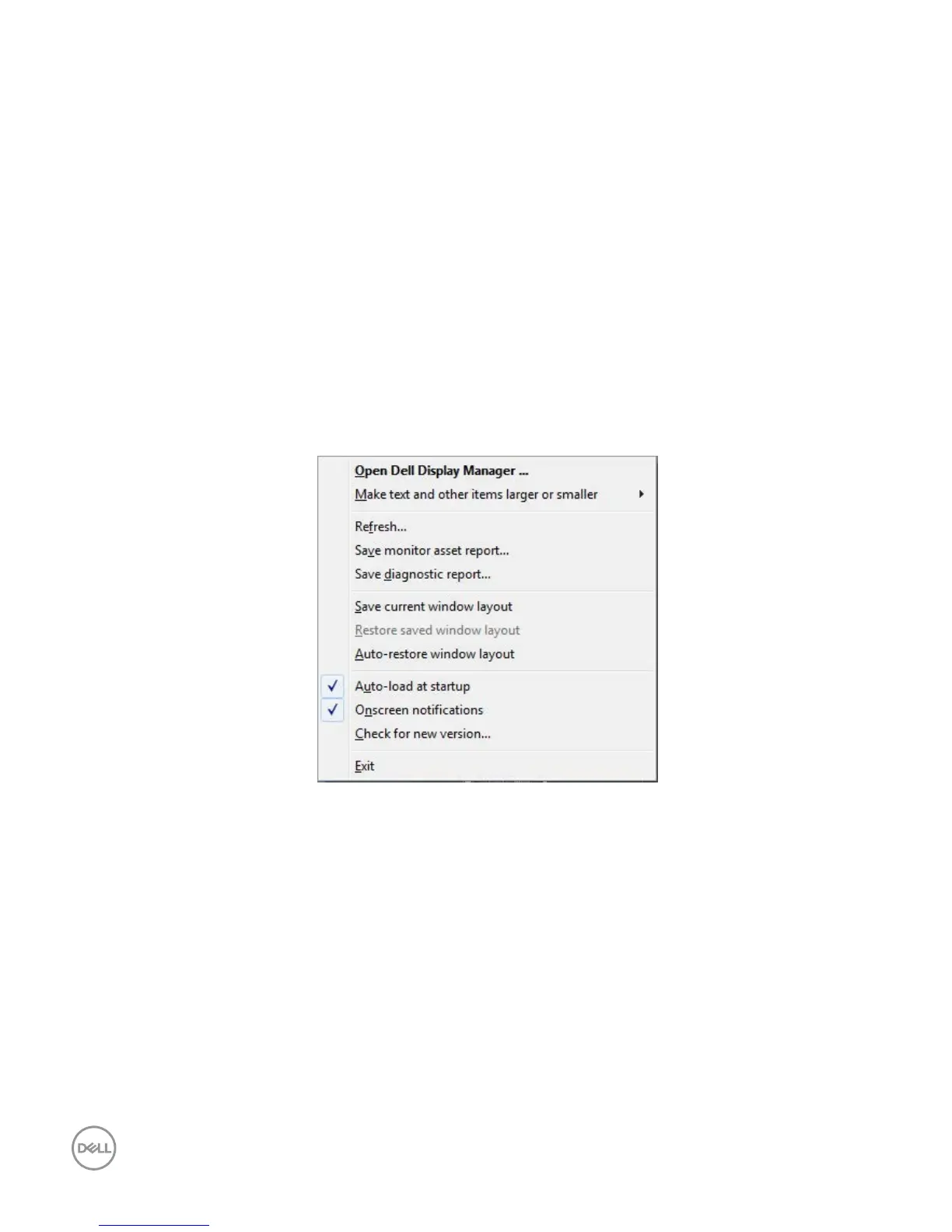
You may also ch
eck for new version by right clicking on DDM icon while
pressing and holding 'shift' key.



 To Previous Page