Back to Contents Page
Setting Up Your Monitor
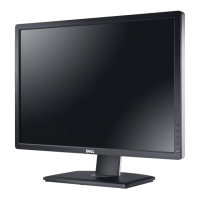
Dell™U2410FlatPanelMonitor
If you have a Dell™ desktop or a Dell™ portable computer with internet access
1. Go to http://support.dell.com,enteryourservicetag,anddownloadthelatestdriverforyourgraphicscard.
2. After installing the drivers for your Graphics Adapter, attempt to set the resolution to 1920 x 1200 again.
Back to Contents Page









 To Next Page