Operating the monitor │ 65
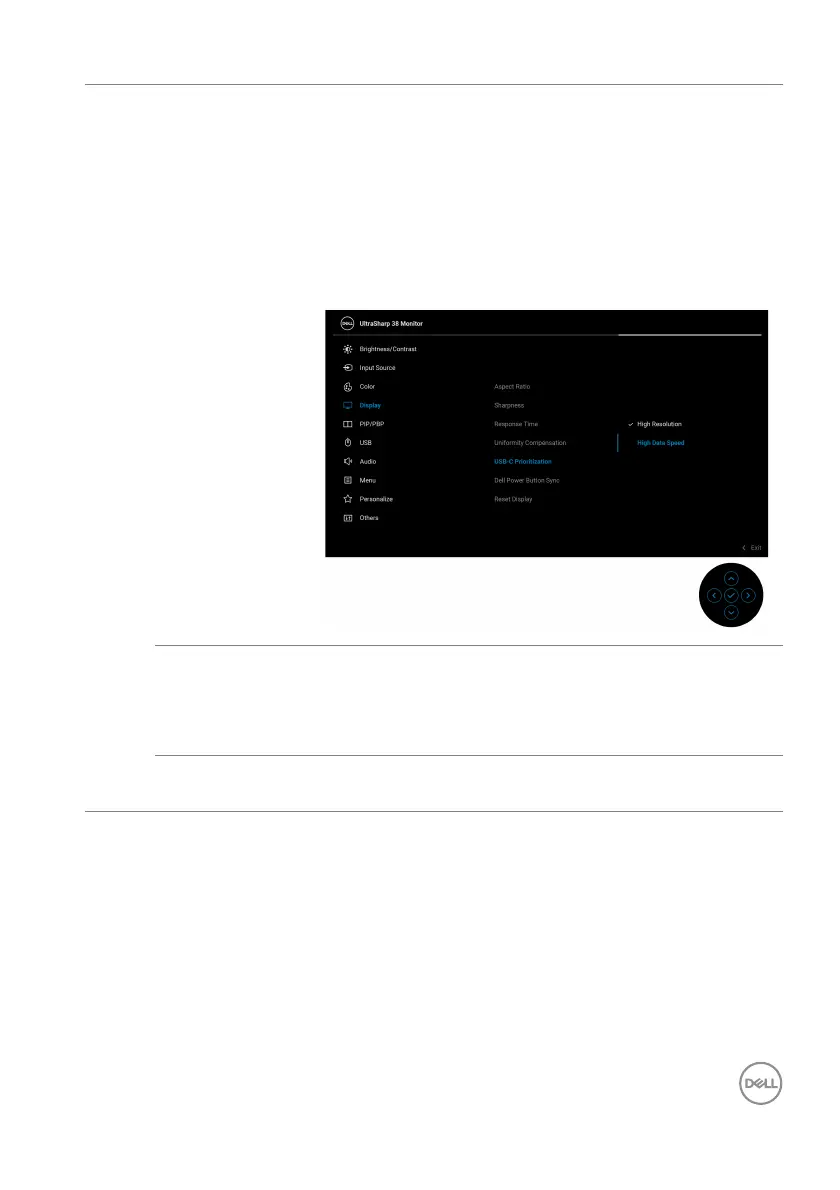
USB-C
Prioritization
Allows you to specify the priority to transfer the data
with high resolution (High Resolution) or high speed
(High Data Speed) when using the USB Type-C
port/DisplayPort. If the current platform is DP 1.4
(HBR3), use High Da
ta Speed to access full video
performance with high data speed. If the current
platform is DP 1.2 (HBR2) or below, select High
Re
solution for accessing full video performance with
data and network speed drop.
Dell Power
Button Sync
Allows you to control PC system power state from the
monitor power button.
NOTE: Wh
en Off is selected, the Wake-on-Connect
function remains active.
Reset Display Resets all display settings to the factory preset
va
lues.













 To Next Page