80 │ Operating the monitor
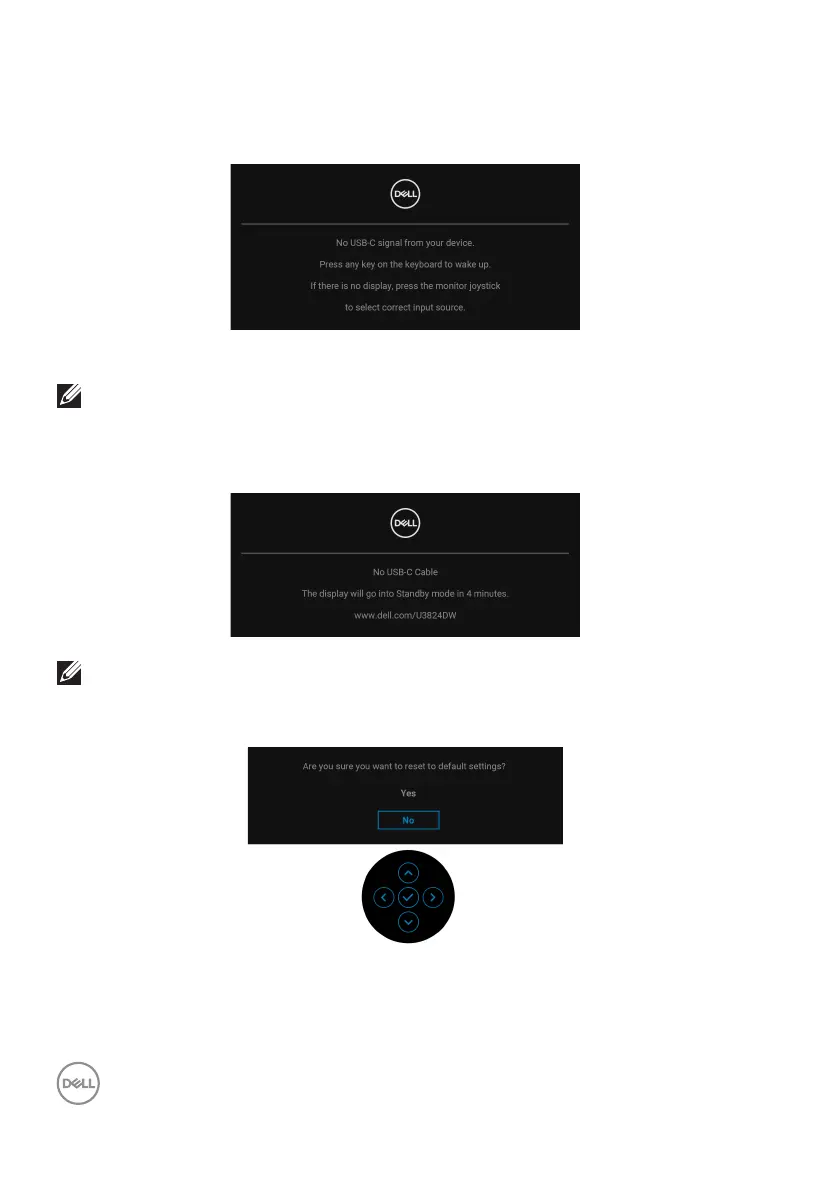
The OSD functions only in the normal operation mode. If you press the joystick
during the Standby mode, the following message will appear depending on the
selected input:
Activate the computer and the monitor to gain access to the OSD.
NOTE: The message may be slightly different according to the
connected input signal.
If either USB Type-C, DisplayPort, or HDMI
input is selected and the corresponding
cable is not connected, the following message will appear:
NOTE: The message may be slightly different according to the selected
input signal.
When F
actory Reset is selected, the following message appears:













 To Next Page