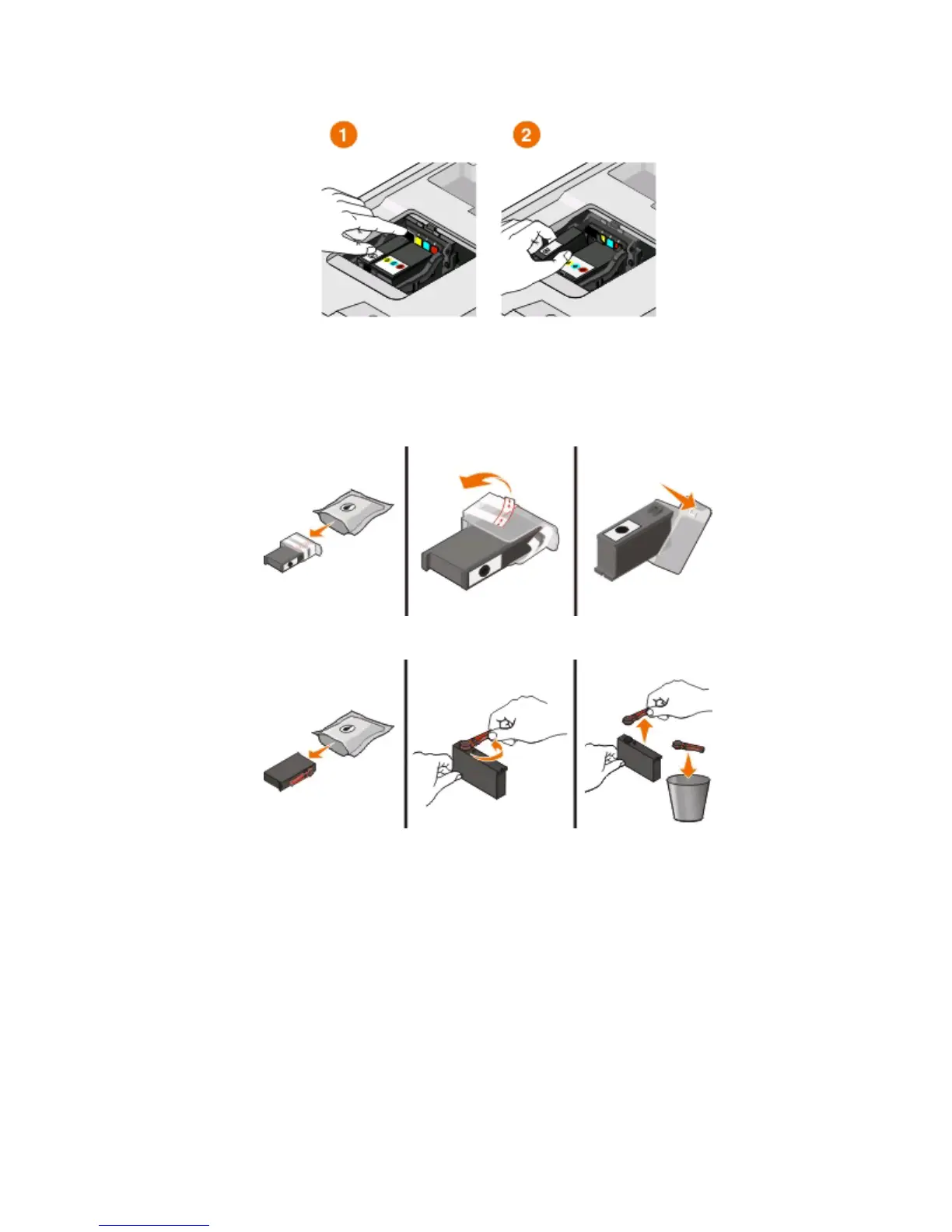
3 Press the release tab, and then remove the used ink cartridge or cartridges.
Warning—Potential Damage: Do not remove the old cartridges until you have the new cartridges available,
or the ink remaining in the printhead may dry out and clog the nozzles.
4 Unpack the cartridges.
If your ink cartridge comes with a muzzle cap, then remove the cap.
If your ink cartridge comes with a twist cap, then twist and remove the cap.
Ordering and replacing supplies
12













 To Next Page