Setting Up Your Dell Venue Smartphone 9
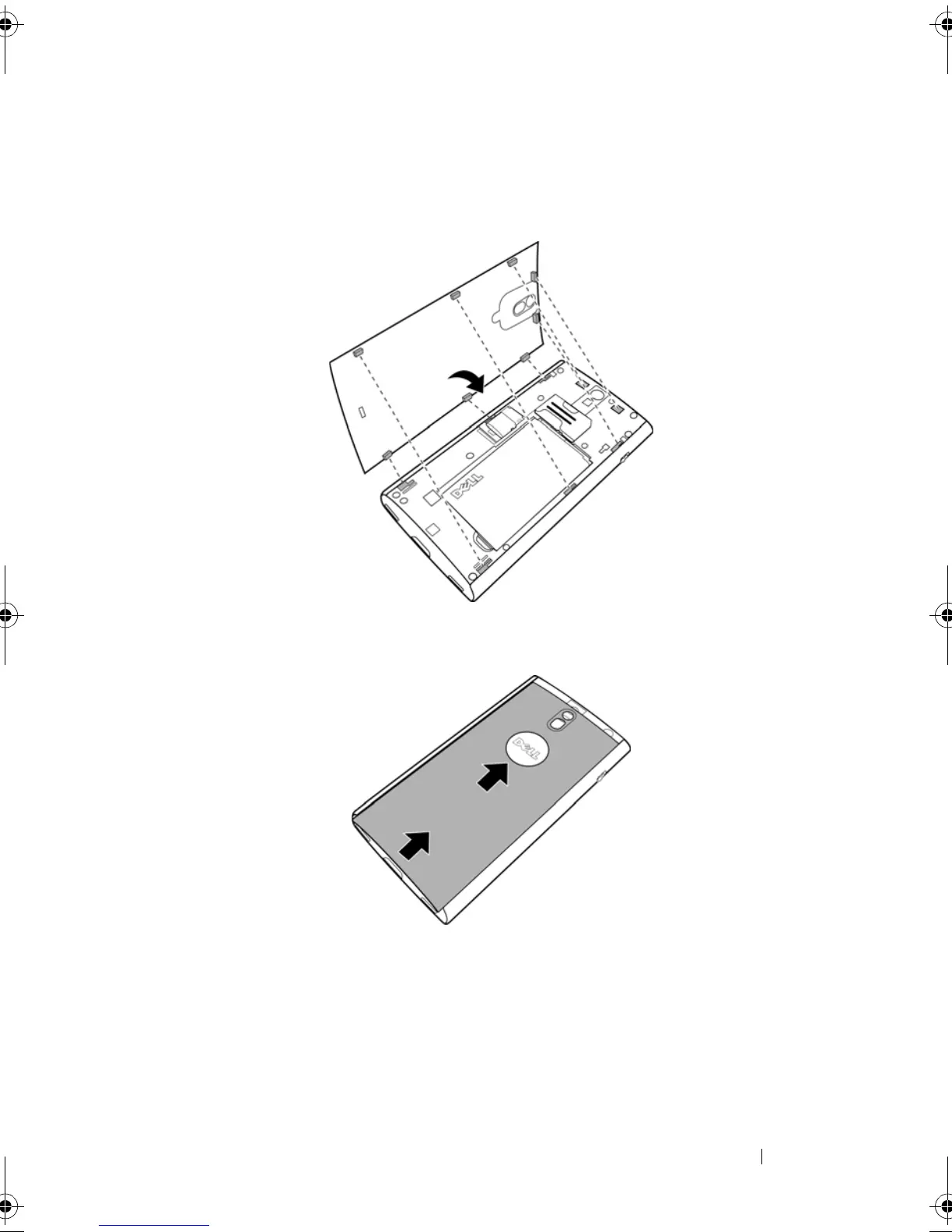
5Close the back cover
a Align the tabs on the back cover with the slots on back of the
smartphone.
b Place the cover onto the back of the smartphone, and then slide the
cover towards the top of the smartphone to secure the cover in place.
Thunder_UM.book Page 9 Monday, December 13, 2010 6:53 PM















 To Next Page