112 Removing and Installing Parts
Memory
You can increase your computer memory by installing memory modules on
the system board. Your computer supports DDR2 memory. For additional
information on the type of memory supported by your computer, see
"Memory" on page 169.
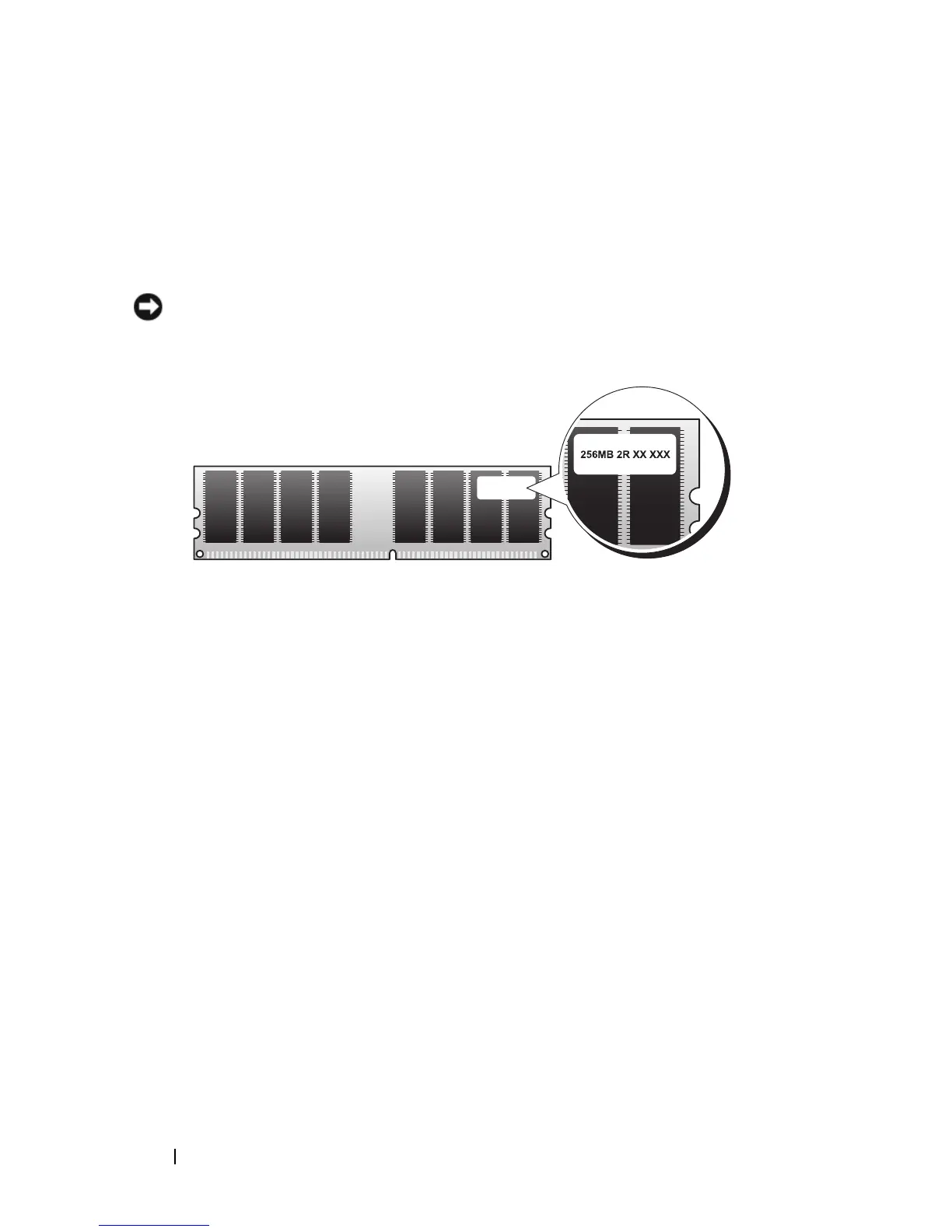
NOTICE: Do not install ECC or buffered memory modules. Only unbuffered, non-
ECC memory is supported.
Memory Installation Guidelines
• DIMM connectors must be populated in numerical order beginning with
connectors DIMM_1 and DIMM_3, then connectors DIMM_2 and
DIMM_4.
If a single DIMM is installed, you must install it in connector DIMM_1.
• For best performance, memory modules should be installed in
pairs of
matched memory size, speed, and technology
. If the memory modules are not
installed in matched pairs, the computer will operate, but with a slight
reduction in performance. (See the label on the module to determine the
module’s capacity.) For example, if you install a mixed pair of DDR2
533-MHz and DDR2 667-MHz and 800 MHz memory, the modules
function at the slowest speed installed.


 To Next Page