116 Removing and Installing Parts
3
Grasp the module at the end of the board and lift up.
4
Replace the PCI Express x16 card. See "Cards" on page 116.
Cards
CAUTION: Before you begin any of the procedures in this section, follow the
safety instructions in the Product Information Guide.
NOTICE: To prevent static damage to components inside your computer, discharge
static electricity from your body before you touch any of your computer’s electronic
components. You can do so by touching an unpainted metal surface on the
computer chassis.
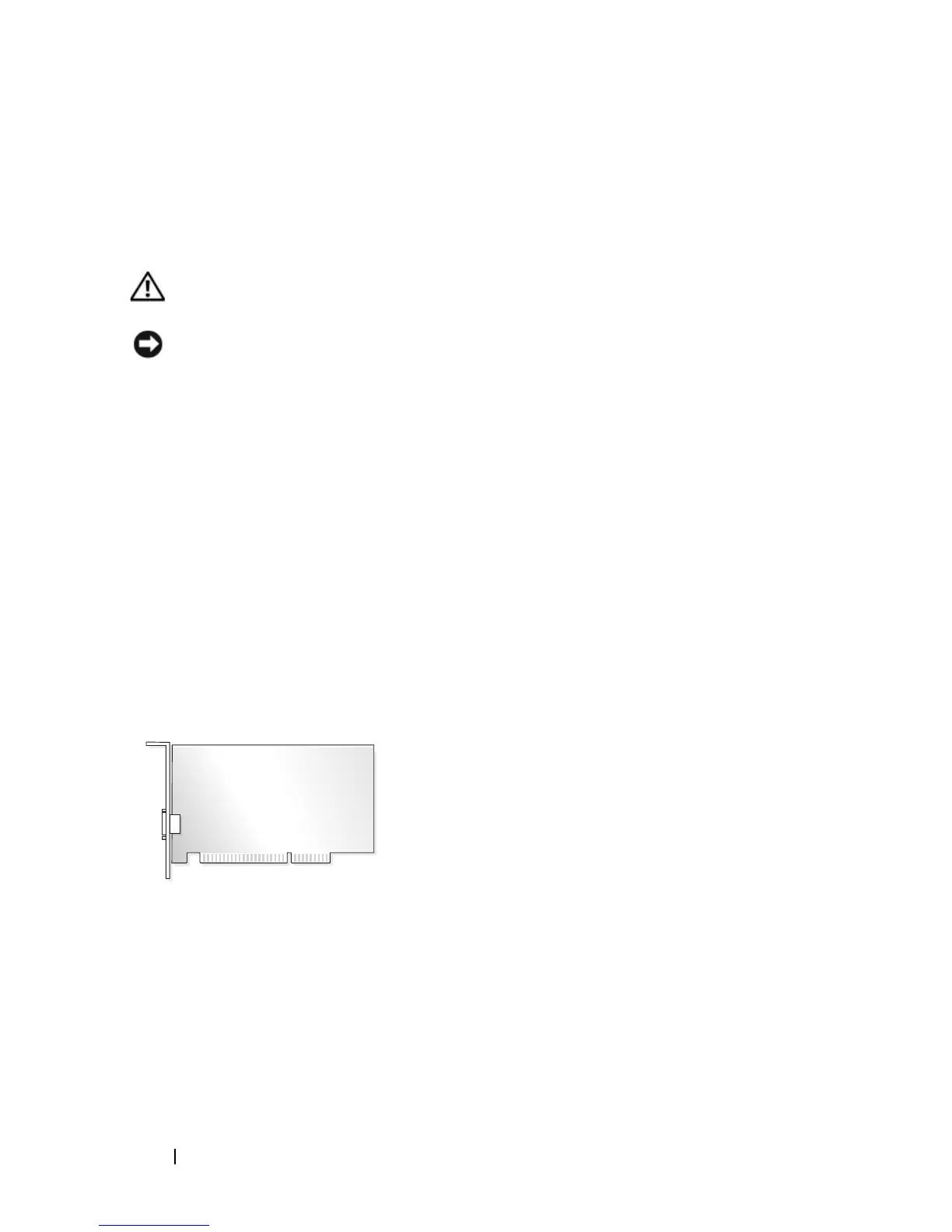
Your computer provides the following slots for PCI and PCI Express cards:
• One PCI Express x16 card slot (SLOT1)
• One PCI Express x1 card slot (SLOT2)
• Two PCI card slots (SLOT3, SLOT4)
See "System Board Components" on page 106 for card slot location.
PCI and PCI Express Cards
Your computer supports two PCI cards, one PCI Express x16 card and one
PCI Express x1 card.
• If you are installing or replacing a card, follow the procedures in the next
section.
• If you are removing but not replacing a card, see "Removing a PCI/PCI
Express Card" on page 121.
• If you are replacing a card, remove the current driver for the card from the
operating system.


 To Next Page