FILE LOCATION: C:\Documents and Settings\solinak\Ƈ¦±\OM update\ch3e.fm
DELL CONFIDENTIAL – PRELIMINARY 10/8/04 – FOR PROOF ONLY
Your Remote Control 19
Your Remote Control
Installing Batteries
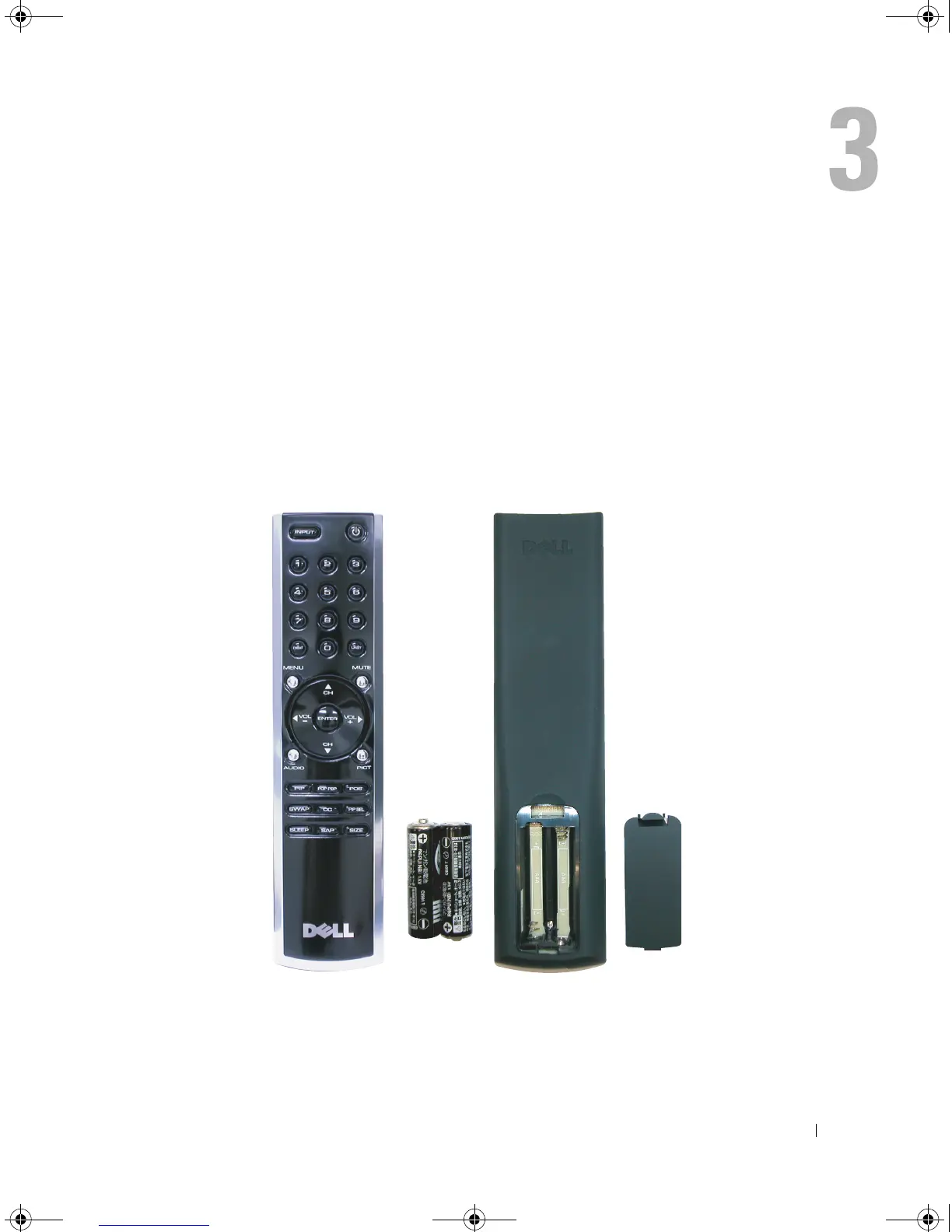
Before you can use your remote control, install two AAA batteries in the remote control as follows.
1
Open the battery cover.
2
Install the batteries. Make sure that you match the + and - on the batteries with the + and -
symbols in the battery compartment.
3
Close the battery cover.
DZ101_eUM.book Page 19 Friday, October 8, 2004 2:25 PM


 To Next Page