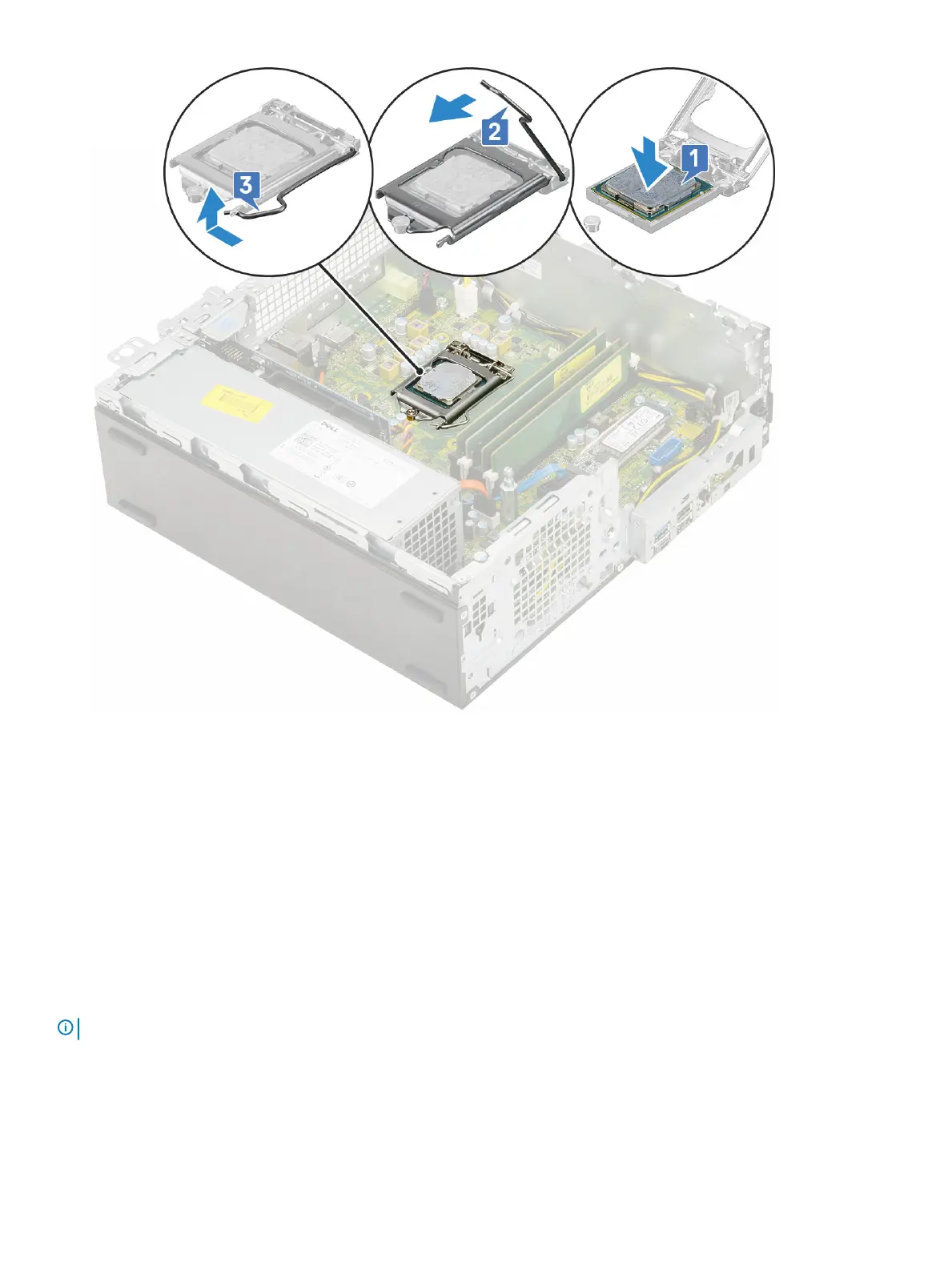
4 Install the:
a Heat sink
b Heat sink fan
c Hard drive and optical drive module
d HDD assembly
e Front bezel
f Side cover
5 Follow the procedure in After working inside your computer.
M.2 PCIe SSD
Removing the M.2 PCIe SSD
NOTE
: The instructions are applicable to M.2 SATA SSD also.
1 Follow the procedure in Before working inside your computer.
2 Remove the:
a Side cover
b Front bezel
54
Removing and installing components



 To Next Page