Troubleshooting 10
Troubleshooting
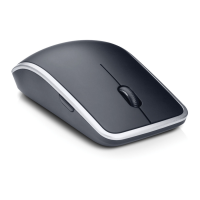
If you have problems with your mouse :
• Check if the battery is inserted in the correct orientation.
• Check if the power switch is on.
• Remove and reinstall the battery. Turn on the power switch. Check the battery
status light on the mouse and make sure it is white.
• Remove and reconnect the USB receiver on your computer.
• Insert the USB receiver into another USB port on your computer.
• Restart your computer.



 To Next Page