Troubleshooting │ 27
• For Windows 8:
1. Select Search and type Device Manager.
2. Select Settings.
3 In Device Manager, expand Bluetooth and select the Bluetooth
radio for the Dell WM615 mouse.
4. In Device Manager, expand Bluetooth and select the Bluetooth
radio for the Dell WM615 mouse.
5. Right click on the Bluetooth radio and select Properties.
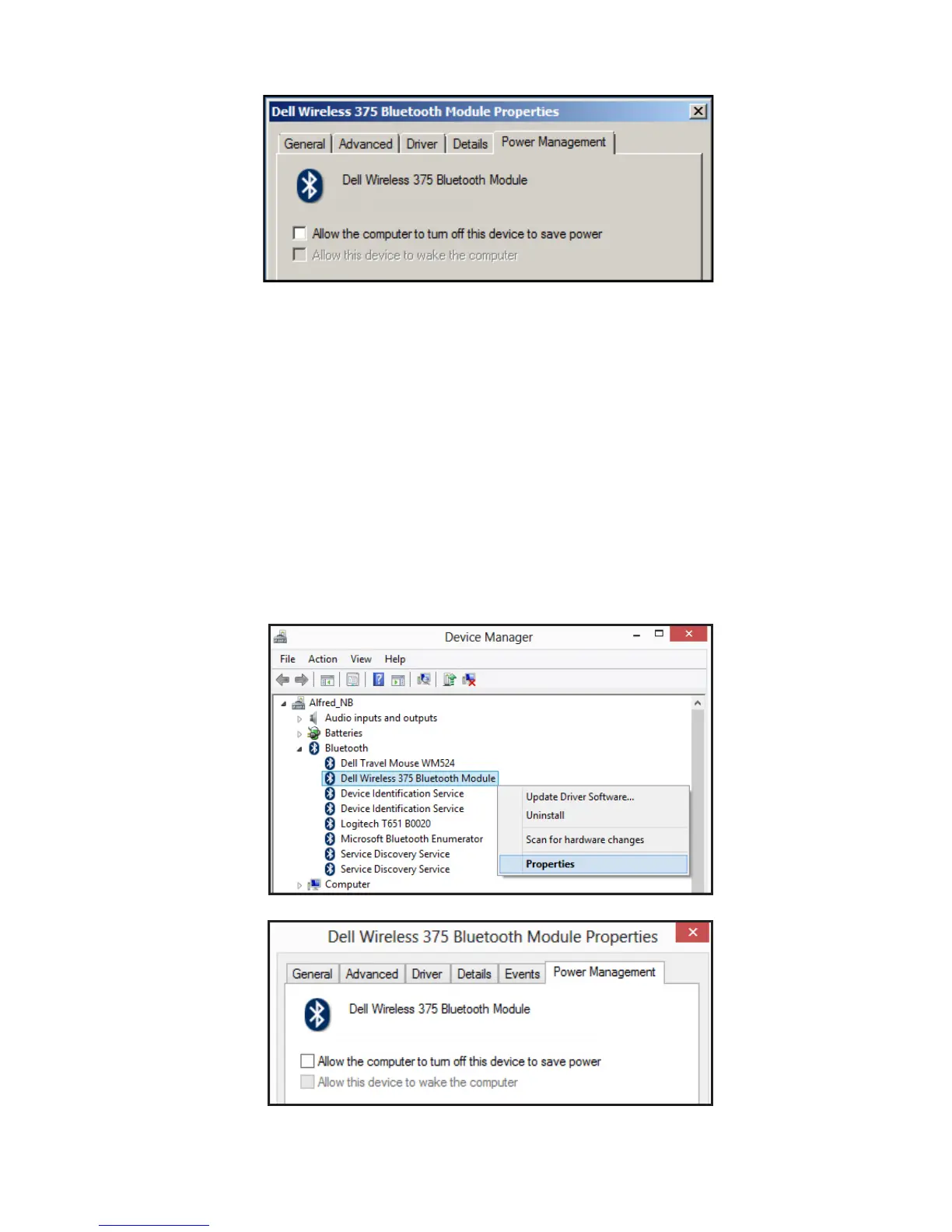
6. On the Power Management tab, uncheck the option Allow the
computer to turn o this device to save power.
7. Click OK.



 To Next Page