7
Back to Contents Page
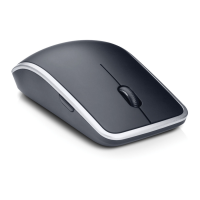
Pairing Dell WM713 Wireless Touch Mouse
The touch mouse needs to be paired and connected to your
computer before it can be used.
Procedure
1. Turn on bluetooth on your computer.
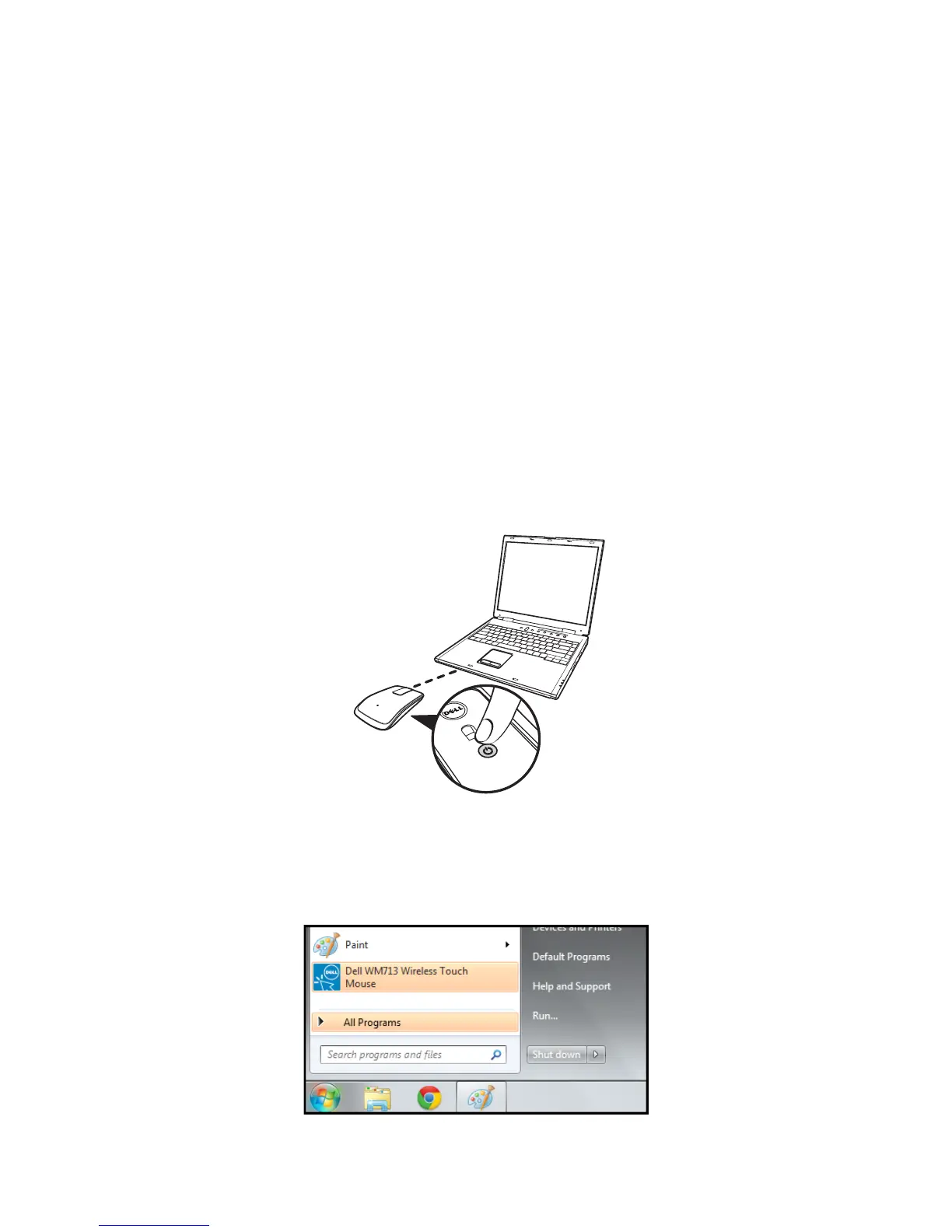
2. Press and hold the power button on the mouse for two seconds.
The power-status light blinks blue, indicating the mouse is in pairing
mode.
3. Launch the software:
i) Win 7
Click Start > Dell WM713 Wireless Touch Mouse.


 To Next Page
 Loading...