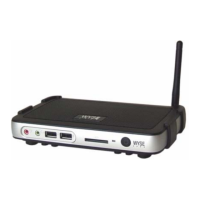
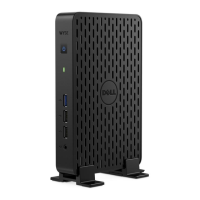
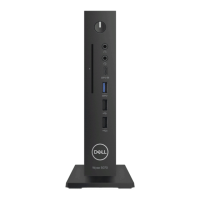
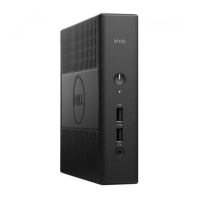
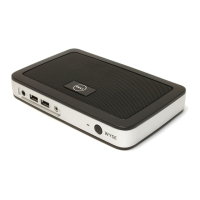
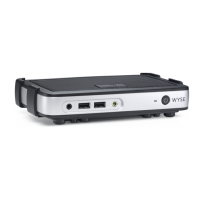
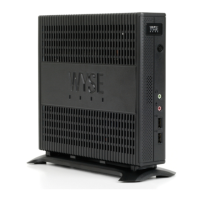
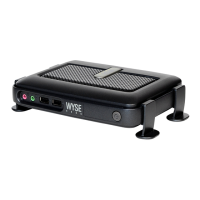
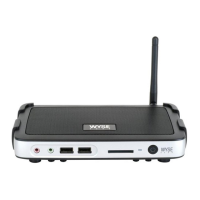
Dell Wyse Cloud Client
Wyse
3020
Quick Start Guide
Guida introduttiva
Guía de Inicio rápido
4 Connect the display
Collegare lo schermo
Conecte la pantalla
DVI-I connector
Connettore DVI-I
Conector DVI-I
DVI-D connector
Connettore DVI-D
Conector DVI-D
Or | Oppure | O
3
Connettore USB
Conector USB
Connect the keyboard and mouse
Collegare la tastiera e il mouse
Conecte el teclado y el mouse
2 Connect the network
Collegare la rete
Conecte la red
Network connector
Connettore di rete
Conector de red
Or | Oppure | O
Wireless antenna
Antenna wireless
Antena inalámbrica
Install the horizontal stand
Installare il supporto orizzontale
Instale el soporte horizontal
1
Or install the VESA mount
Oppure installare il montaggio VESA
O instale el montaje VESA
5 Connect the power cable on your client
device and display
Collegare il cavo di alimentazione del dispositivo client e dello
schermo
Conecte el cable de alimentación en su dispositivo cliente y pantalla
Display power connector
Connettore di alimentazione dello
schermo
Conector de alimentación de la pantalla
Client device power connector
Connettore di alimentazione del
dispositivo client
Conector de alimentación del
dispositivo cliente
6 Turn on your client device and display
Accendere il dispositivo client e lo schermo
Encienda el dispositivo de cliente y la pantalla
NOTE: Your client device is ready to use when the client device activity light goes off.
N.B. Il dispositivo client è pronto all’uso quando la relativa spia di attività è spenta.
NOTA: Su dispositivo cliente estará listo para utilizarse cuando el indicador de actividad
del dispositivo cliente se apague.
VGA adapter
Adattatore VGA
Adaptador VGA
Or | Oppure | O

 Need help?

 To Next Page
 General