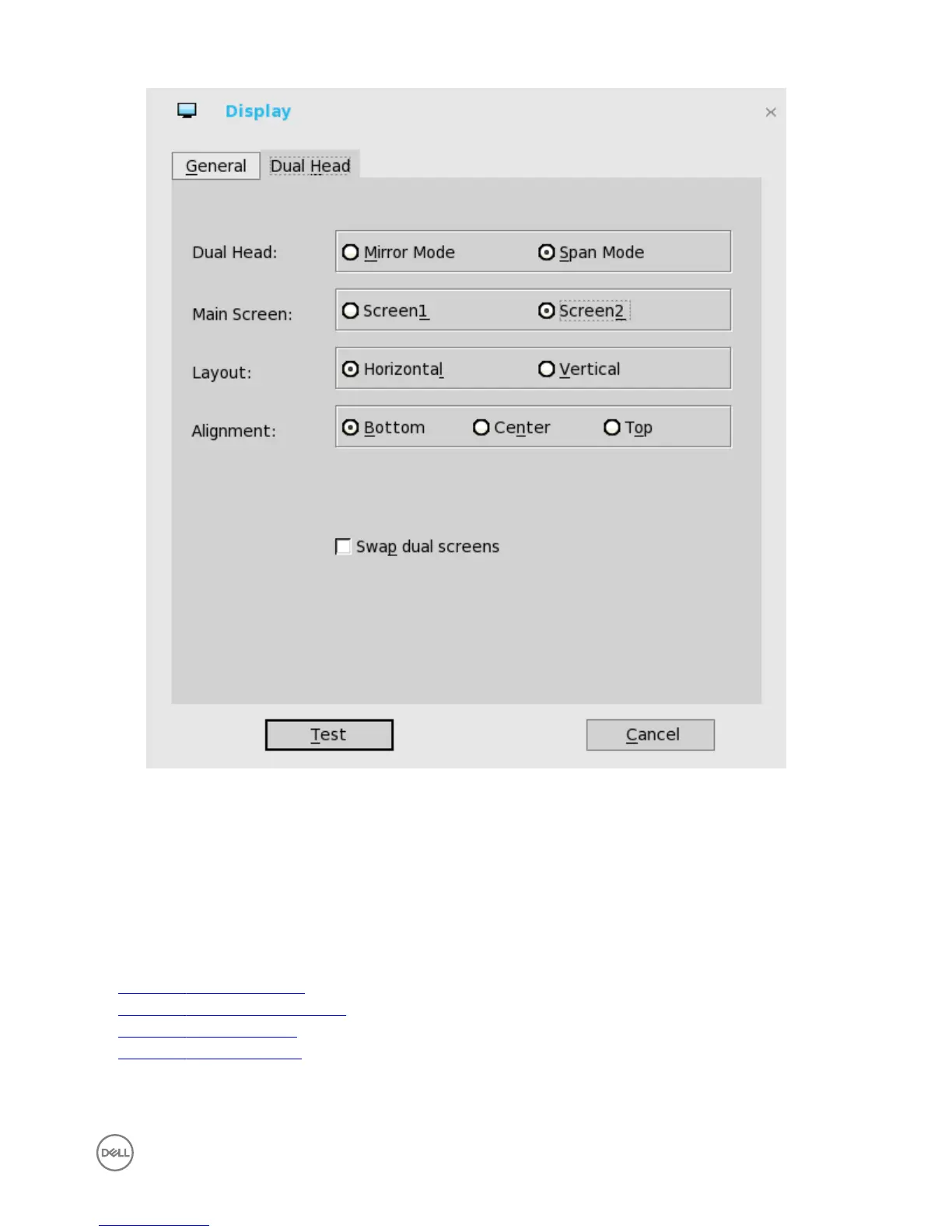
For Swap dual screens, when you set Main Screen to Screen2, an additional check box is displayed at the bottom of the tab
that allows you to swap dual screens. If you clear the check box, the Screen1 is usually the left one or the top one in dual
display. When you set Main Screen to Screen2, the main screen is changed to the right screen or bottom screen. If you
select the Swap dual screens check box, you are able to set Main Screen to Screen2, but still have it at the left side or the
top side, which is considered more user friendly.
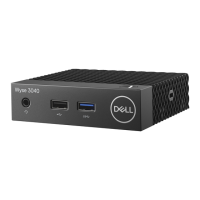
Conguring the network settings on Wyse ThinOS
To congure the network settings use the following options:
• Conguring the general settings.
• Conguring the DHCP options settings.
• Conguring the ENET settings.
• Conguring the WLAN settings.
7


 To Next Page