bubbles to escape (fig. 31).
5. Insert the filter in the filter housing (fig. 32A)
and press as far as it will go.
6. Close the tank with the lid (fig. 32B), then
replace the tank in the machine.
When you install the filter, you must notify the
appliance of its presence.
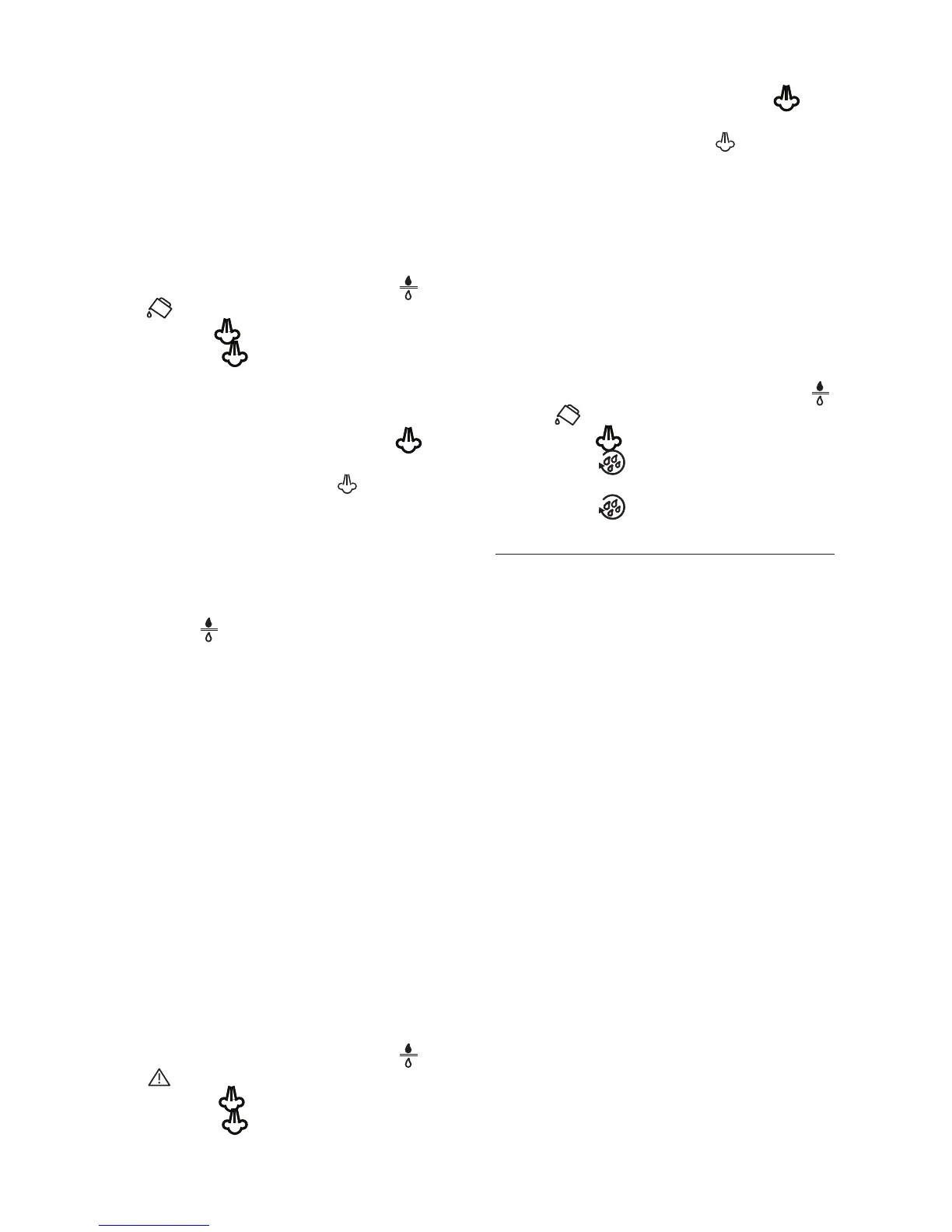
Ç°ÊÊ *ÀiÃÃÊÌiÊP button to enter the menu;
8. Turn the selection knob until the and
lights come on.
°ÊÊ *ÀiÃÃÊÌi OK button.
£ä°Ê*ÀiÃÃÊÌiÊ button to confirm the selec-
tion.
££°Ê*>ViÊ>ÊVÌ>iÀÊ°ÊV>«>VÌÞ\Ê£ääÊ®ÊÕ-
der the cappuccino maker.
12. Turn the steam knob and press the but-
ton.
13. At the end of delivery, the light flashes.
Close the knob and the appliance returns au-
tomatically to the “ready for coffee” state.
The new filter is active and you can now use the
coffee maker.
Replacing the filter
When the light flashes, after two months
(see date indicator) or when the appliance has
not been used for 3 weeks, you should replace
the filter:
1. Remove the old filter;
2. Remove the new filter from the packaging.
3. Turn the date indicator disk (see fig. 30) until
the next 2 months of use are displayed (the
filter lasts about two months);
4. Refill the tank;
5. Insert the filter in the water tank and immer-
se it completely, sloping it to enable the air
bubbles to escape (fig. 31);
È°ÊÊ *>ViÊÌiÊwÌiÀÊÊÌiÊwÌiÀÊÕÃ}Êw}°ÊÎÓ®Ê
and press as far as it will go. Close the tank
with the lid (fig. 32B), then replace the tank
in the machine;
Ç°ÊÊ *>ViÊ>ÊVÌ>iÀÊ°ÊV>«>VÌÞ\Ê£ääÊ®ÊÕ-
der the cappuccino maker.
n°ÊÊ *ÀiÃÃÊÌiÊP button to enter the menu;
9. Turn the selection knob until the and
lights come on.
£ä°ÊÊ*ÀiÃÃÊÌiÊ button. The OK light flashes.
££°Ê*ÀiÃÃÊÌiÊ button to confirm the selec-
tion.
12. Turn the steam knob and press the
button.
13. At the end of delivery, the light flashes.
Close the knob and the appliance returns au-
tomatically to the “ready for coffee” state.
The new filter is now active and you can use the
coffee maker.
Removing the filter
If you want to continue using the appliance wi-
thout a filter, you must remove it and notify the
appliance of its removal as follows:
1. Extract the tank and exhausted filter;
Ó°ÊÊ *ÀiÃÃÊÌi P button to enter the menu;
3. Turn the selection knob (fig. 8) until the
and lights come on;
{°Ê *ÀiÃÃÊÌiÊ button. The OK light flashes;
x°Ê *ÀiÃÃÊÌiÊ button to confirm use of the
appliance without the filter;
È°Ê *ÀiÃÃÊÌiÊ button to exit the menu.
TECHNICAL SPECIFICATION
Voltage: 120V~ 60Hz
Absorbed power: 1350W
*ÀiÃÃÕÀi\ÊÊ £xÊL>ÀÃ
Water tank capacity: 50.7 fl. oz. max.
Size LxHxD: 2,38x3,4x4,3 in.
Cable length: 11 ft.
Weight: 20,22 lb.
Coffee beans container capacity: 5,3 oz. max.





 To Next Page