6
DESCRIPTION
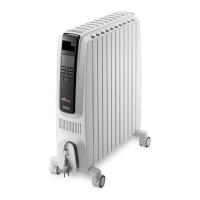
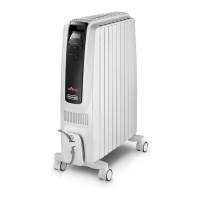
A Display
B ON/Standby button
C Power setting button
D - Adjustment button
E + Adjustment button
F Timer button
G Brightness button
H ECO button
I Cord holder
L Wheel
USE
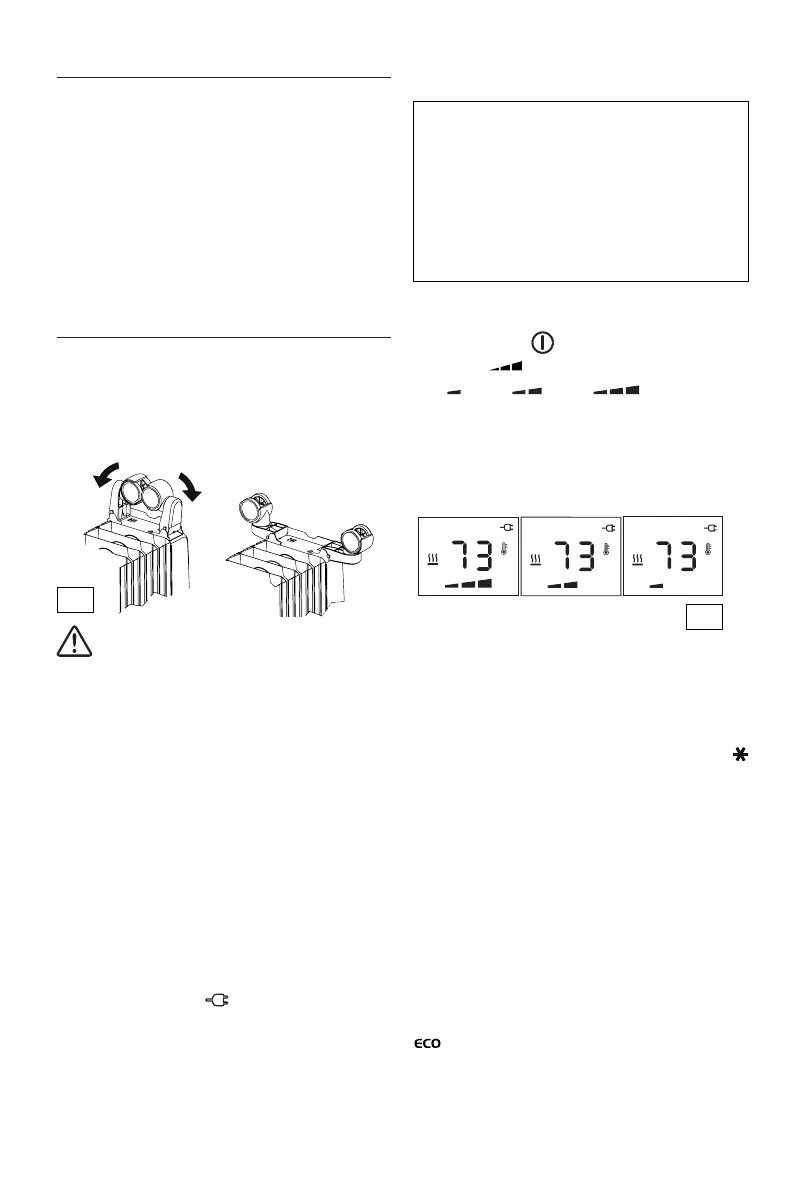
Fitting the wheels
Turn the appliance upside down on a rug or soft surface to
prevent damaging the paint nish. Fully unfold the wheels
by turning them outwards (Fig. 1). Turn the appliance back
to its upright position.
Important! Always operate the appliance in upright
position only (wheels on the bottom, controls on top). Any
other position could create hazardous situation.
Location
Place appliance on the oor beneath the coldest window
in the room, or any other location. Your appliance will re-
duce the eect of cold drafts. The appliance should not be
placed immediately below a power outlet. Do not use this
appliance in rooms with a oor area of less than 43 square
feet (4 sq. m.).
Power connection
The appliance must be connected to a properly polarized
household outlet in perfect working condition.
The appliance will be set in the standby condition.
The display will show the symbol. Keep loose clothing
or bedding, furniture and ammable material away from the
power outlet where the appliance is plugged in.
After an interruption of the power supply (power failure or
appliance unplugged) the unit goes always to standby .
When the unit is switched on by pressing the ON/Standby
button, the operating conditions will be same ones previously
set.
Heating function
To turn the appliance on, insert the plug into an electrical
outlet then press the (B) button.
Press button (C) to set the required power level:
MIN ( ); MED ( ); MAX ( ) (see g. 2).
To select the desired temperature, press button + or - (E
or D). By pushing the + or - button once, the temperature
(shown on the display) will increase or decrease by 1°F or 1°C.
Holding the + or - button depressed the value will increase
or decrease rapidly.
The appliance allows you to set a temperature of 41°F (5°C)
and a range from 50°F to 82°F (10°C to 28°C).
Anti-freeze function
Setting the temperature to 41°F (5°C), the appliance will
activate the Anti-freeze function. The display will show the
symbol, in this way the appliance will turn on automatically,
at the MAX power, only if the room temperature falls below
41°F (5°C), to help prevent freezing conditions. If you wish to
go back to the Heating function, press the "+" button once.
Note: in the Anti-freeze function the power level settings are
not able to be adusted. The unit will run at MAX.
ECO function
When this function is active the appliance automatically sets
the most appropriate power level to guarantee optimum
comfort while reducing energy consumption. To activate this
function press the "ECO" (H) button. The display will show
symbol. If the selected temperature is much higher
then the actual room temperature, the appliance will start
automatically and rapidly heat the room.
The appliance will automatically select the most convenient
Fig. 2
Fig. 1
Your product is equipped with a polarized alternating
current line plug (a plug having one prong wider than the
others). This plug will t into the power outlet only one
way. This is a safety feature. If you are unable to insert the
plug fully into the outlet, try reversing the plug. If the plug
should still fail to t, contact your electrician to replace
your obsolete outlet. Do not attempt to modify the plug to
bypass this safety feature.




 To Next Page