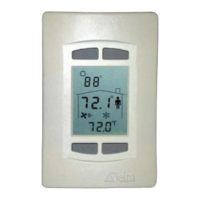
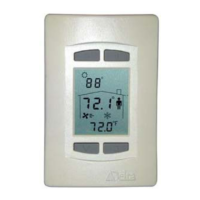
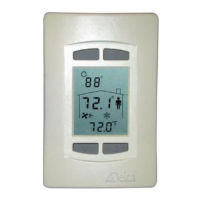
Error! No text of specified style in document. DNT-T103 (Rev 4.1) Installation Guide
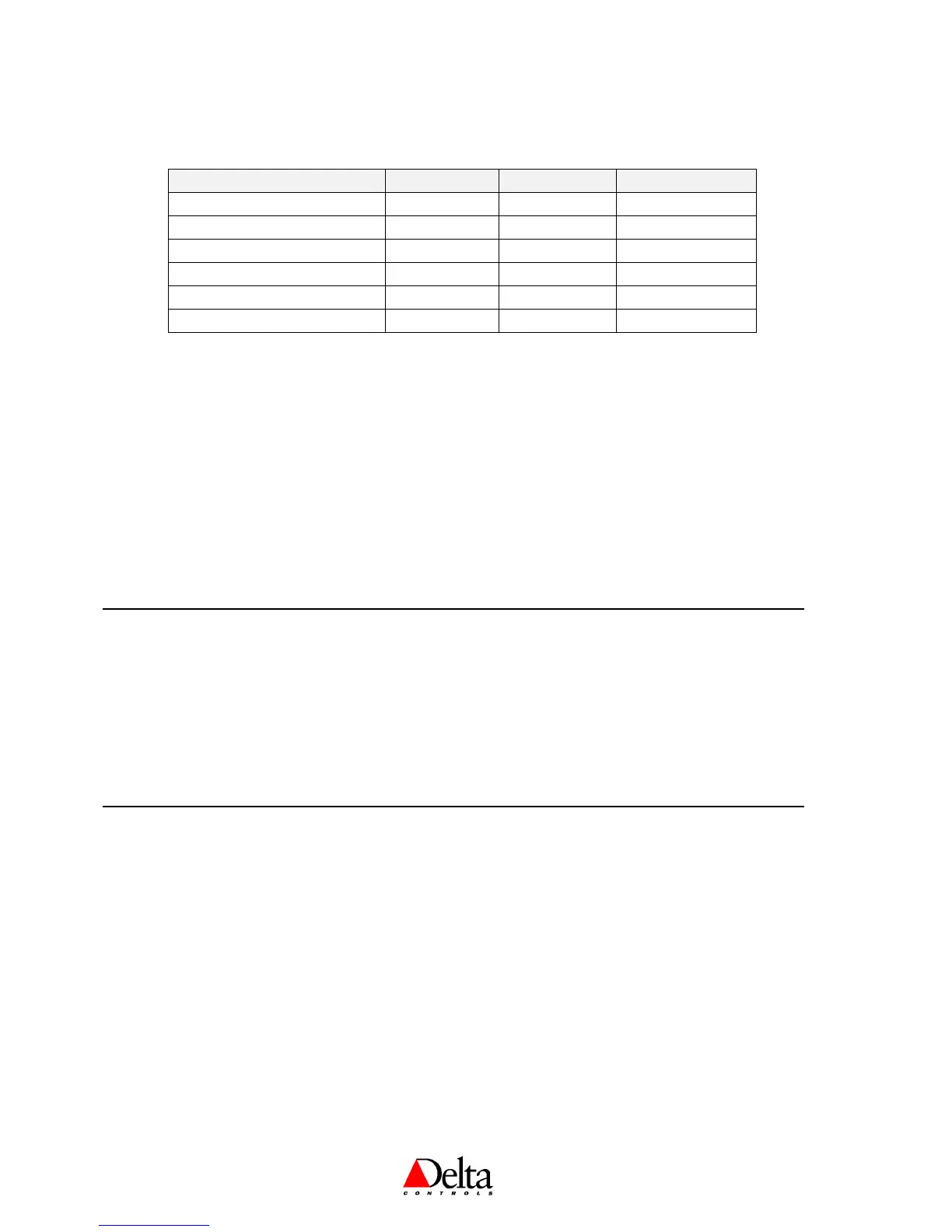
Model Numbers
Features DNT-T103 DNT-H103B DNT-T103-UL864
Internal Thermistor Input
Internal Humitity Input
Additional I/O (1 IP and 3 OP)
Backlighting Option B
External Input Terminator Option X
Button Icons
INT INT INT
An appended button icon code must be included to specify the desired icons embossed on the buttons as
follows:
[default] Bottom 2 buttons are ▼ and ▲ (Setpoint Adjust), top 2 are OFF and ON
INT Bottom 2 buttons are ▼ and ▲ (Setpoint Adjust), top 2 are O and I – International
You need not specify button icons if you want the default, but must specify INT if you want the international
button icons (i.e., DNT-T103-INT).
Package Contents
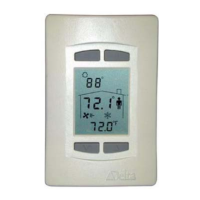
• Delta Network Thermostat: BACstat II Product, DNT-T103 (Rev 4.1)
• DNT-T103 (Rev 4.1) Installation Guide
Other Relevant Documents
• Delta Controls Wiring and Installation Guidelines
• BACstat II Application Guide (for Configuration & Programming)
• ORCAview Operator Guide
• ORCAview Technical Reference Manual
• BACstat II, DAC and DCU Release Notes
Product Specifications
Power Requirements
• 24VAC, 50/60 Hz (Class 2)
• 41 VA maximum (with internally powered triacs at full load)
(3 VA with triacs externally powered)
Ambient Ratings
• 0°C to 40°C (32°F to 104°F)
• 10 to 90% RH (non-condensing)
Page 2 of 12
Document Edition 1.9


 To Next Page