Document Edition 1.4
Page 9 of 12
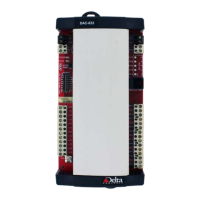
Indicators
LED Function Description
Power Controller Power
Indicator
This yellow LED turns on to indicate that the controller has power
applied.
Scan CPU Scan Indicator This red LED flashes at a rate relative to the CPU scan rate.
Network
(NET1)
MS/TP (RS485)
Communication
Status Indicators
The green LED flashes to indicate when the controller is
transmitting out the port, and the red LED flashes to indicate when
the controller is receiving data through the port. If communication
is good, both LEDs will flash at a high rate.
Network
(NET2)
MS/TP (RS485)
Communication
Status Indicators
The green LED flashes to indicate when the controller is
transmitting out the port, and the red LED flashes to indicate when
the controller is receiving data through the port. If communication
is good, both LEDs will flash at a high rate.
Inputs
(IP1 – IP16)
Input Status
Indicators
A corresponding red LED varies in intensity and is brightly lit when
the associated input is receiving a low voltage input signal (i.e. a
closed contact, 0 VDC, 0mA or a high temperature reading or low
resistance).


 To Next Page