February, 2019 i
Preface
Thank you for purchasing this product. This manual provides information about the conversion from the
DOP-B series HMI to the DOP-100 series HMI.
This manual includes:
Replacement model selections
Project conversion steps
Software interface conversion and function differences
Print function
File encryption function
COM port conversion
Driver update
Product features:
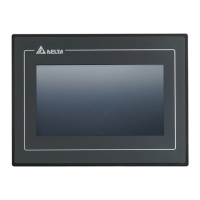
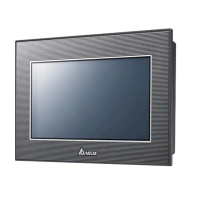
Delta's all new advanced DOP-100 series HMI adopts the Cortex-A8 high-performance processor
with high-brightness and high-contrast color display, as well as providing user-friendly operation
interfaces. In response to the increasing popularity of cloud applications and smart manufacturing,
the DOP-100 series HMI also supports network functions, such as FTP, e-mail, VNC remote
monitoring, NTP network timing, etc.
How to use this manual:
When transitioning from DOP-B to DOP-100, you can use this manual as a reference for model
selection, setup, and product usage. Please first read Chapter 1 before you start converting to the
DOP-100 series HMI. You can also use the Table of Contents to quickly locate the information you
need.
Delta technical services:
Please consult your Delta equipment distributor or Delta Customer Service Center if you encounter
any problems.



 To Next Page