2
A N O R D I C B R A N D
ENG
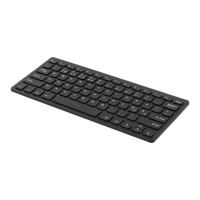
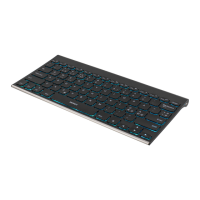
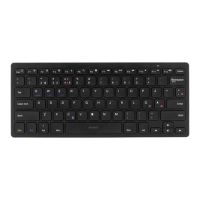
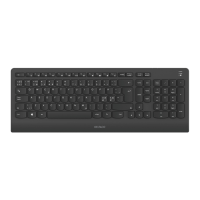
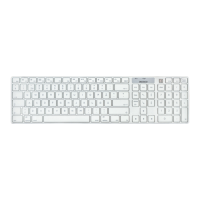
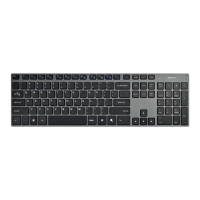
Keyboard
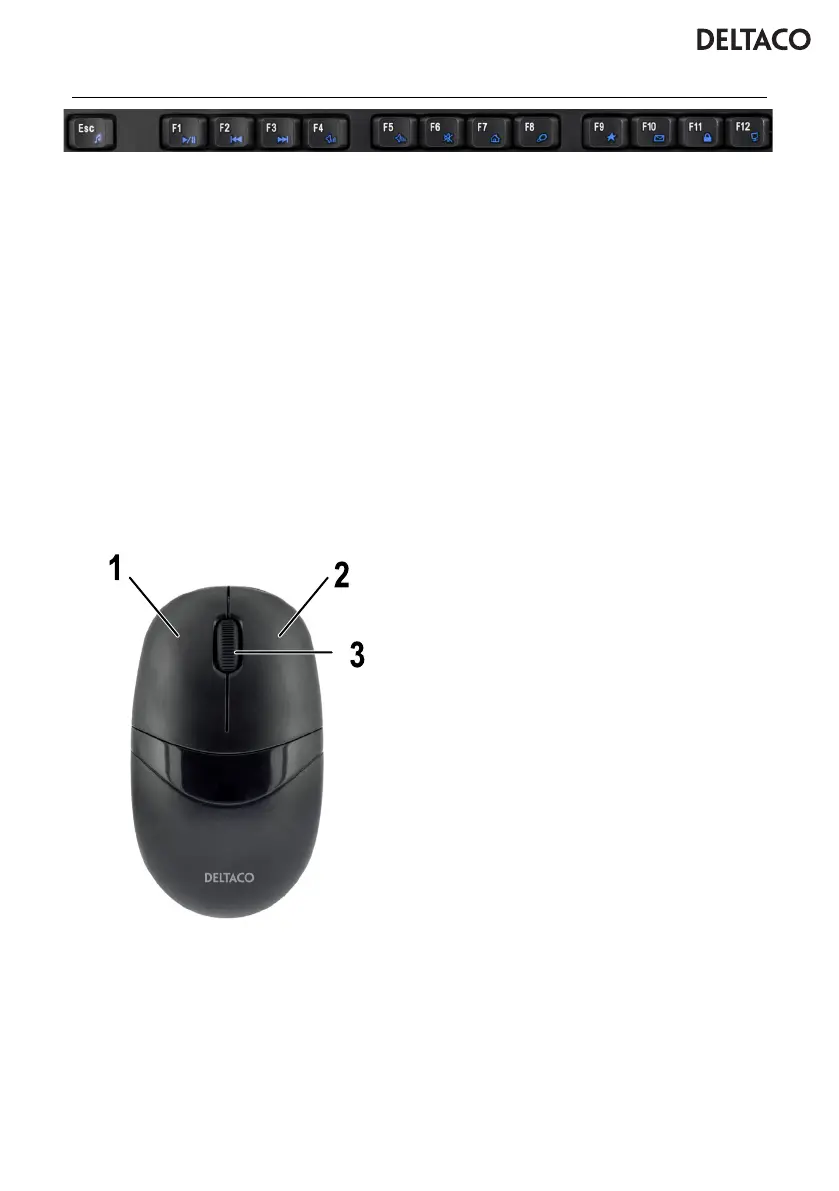
FN + F1 = Open media player
FN + F2 = Reduce volume
FN + F3 = Increase volume
FN + F4 = Turn sound on or off (mute)
FN + F5 = Previous song
FN + F6 = Next song
FN + F7 = Play / pause
FN + F8 = Stop
FN + F9 = Open browser
FN + F10 = Open email
FN + F11 = Open “this computer” window
FN + F12 = Open my favorites
Connect
Connect the USB receiver to a USB port on
the computer. The keyboard will connect
automatically.
Batteries
The keyboard uses 2 x AAA batteries
(not included). The mouse uses 1 x AA
battery (not included) Open the battery
compartments underneath the products and
replace the batteries when the batteries are
low. Close the battery compartments.
Safety instructions
1. Keep the product away from water and
other liquids.
Cleaning and maintenance
Clean the mouse and keyboard with a dry
cloth. For difcult stains use a mild detergent.
Support
More product information can be found at
www.deltaco.eu.
Contact us by e-mail: help@deltaco.eu.
Mouse
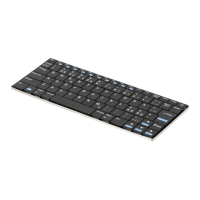
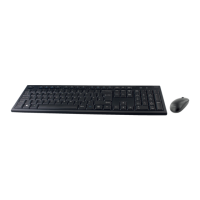
1. Left mouse button
2. Right mouse button
3. Mouse wheel button


 To Next Page