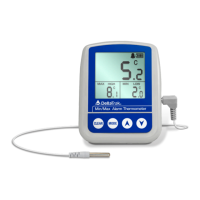
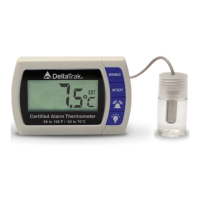
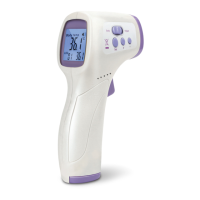
• Power On/Off – Press [On/Off] button to switch unit on or off.
• °C/°F Switchable – Press [°C/°F] button to change temperature scale
• Min/Max Reading Memory
o Press [MIN/MAX] button to display maximum temperature.
o Press the button again to display minimum temperature.
o Press the button again to return to current temperature.
o Switch the unit off and on to clear the memory reading to current
temperature.
• As a Dishwasher Thermometer
o Remove probe cover and reset memory.
o Place in the dishwasher before starting and remove at the end of the
wash.
o Press MIN/MAX to show the highest temperature reached.
• As a Food Thermometer
o Insert probe into food product and wait for the readout to stabilize
o For cool-down temperature of food product, insert probe into the
product first, then reset memory. MIN/MAX will show lowest
temperature reached.
Calibration
Important: Read notes below before proceeding
Fill a cup with crushed ice, add cold water to 1/2 inch below the ice. Stir and let it sit for
two minutes for temperature to stabilize.
1. Turn on the thermometer and set for °C or °F scale.
2. Place probe tip in center of cup making sure tip is fully submerged but not in
contact with cup surface. Stir for a minimum of 15 seconds.
3. Keep probe tip completely submerged, press and hold “CAL” button for 2
seconds until “CAL” appears on the LCD display, then release.
4. Calibration is complete when display automatically returns to normal operation
mode.
Notes:
• Probe tip must be fully submerged in the ice water during calibration procedure
• After “CAL” appears on the LCD display, thermometer will automatically:



 To Next Page