3www.deltatrak.com
Installation Instructions
1. Open battery cover and remove insulation strip from the battery contact
point.
2. Wipe surface of installation area.
3. Attach thermometer with magnetic back.
C /˚F Temperature Scale Selection
• Press the red [C/˚F] button on the back of the unit to select temperature scale.
Internal And External Temperature Sensor Selection
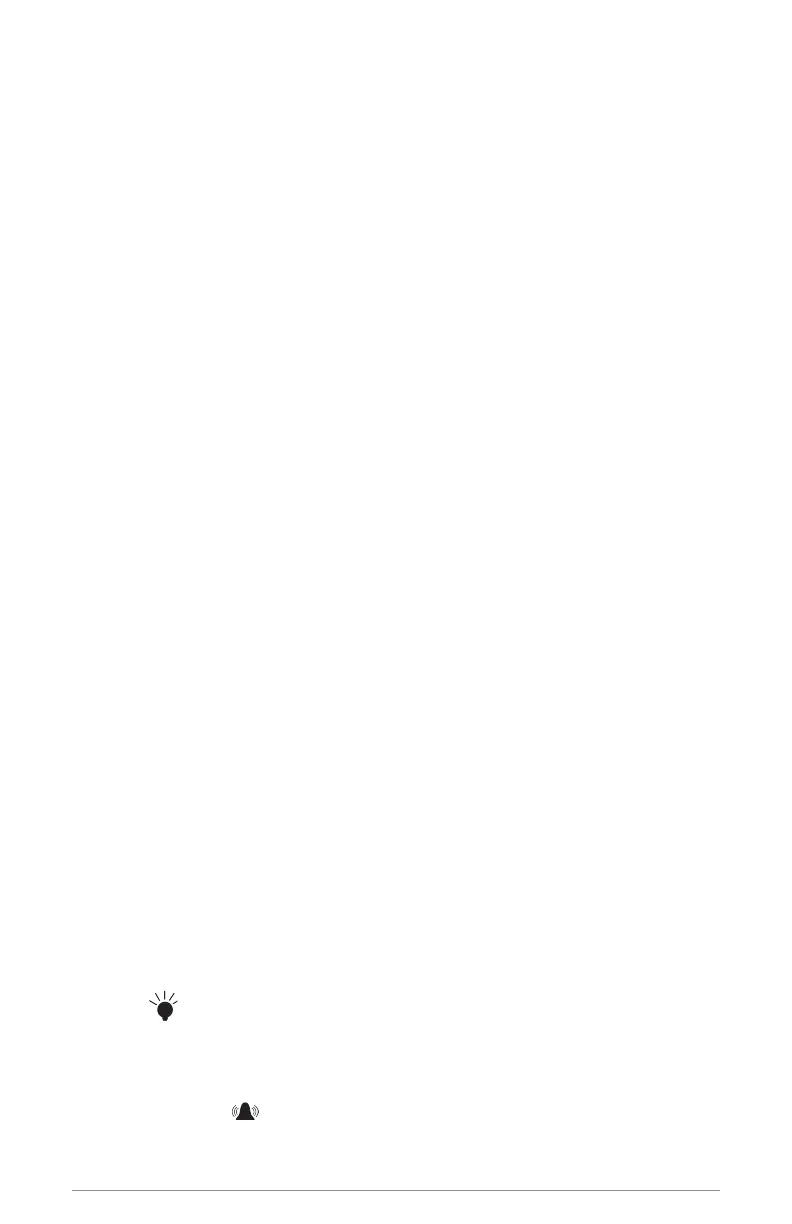
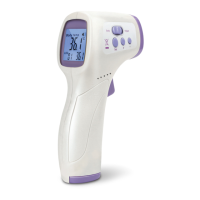
• Press [INT/EXT] button to select internal sensor or external sensor.
• The INT symbol on the LCD indicates internal sensor reading is
displayed for room temperature.
• The EXT symbol on the LCD indicates external sensor reading is
displayed for location of probe in glycol bottle.
Maximum and Minimum Temperature Memory
1. Press [MIN/MAX] button to display maximum temperature memory.
The MAX symbol will appear on the LCD.
2. Press [MIN/MAX] button again to display minimum temperature
memory. The MIN symbol will appear on the LCD.
3. Press [MIN/MAX] button again to return to current temperature
reading.
4. To reset Min/Max memory, press and hold the [MIN/MAX] button
until {----} appears on the display, followed by current temperature
reading.
5. This single action resets Min/Max memory for both INT and EXT sensors.
LCD Back Light
• Press [ ] button to turn on the display back light.
High/Low Temperature Alarm Setting - External Sensor Only
1. Press and hold [ ] button until the words HIGH, EXT, and AL appear on
the LCD, and the temperature is ashing.


 To Next Page