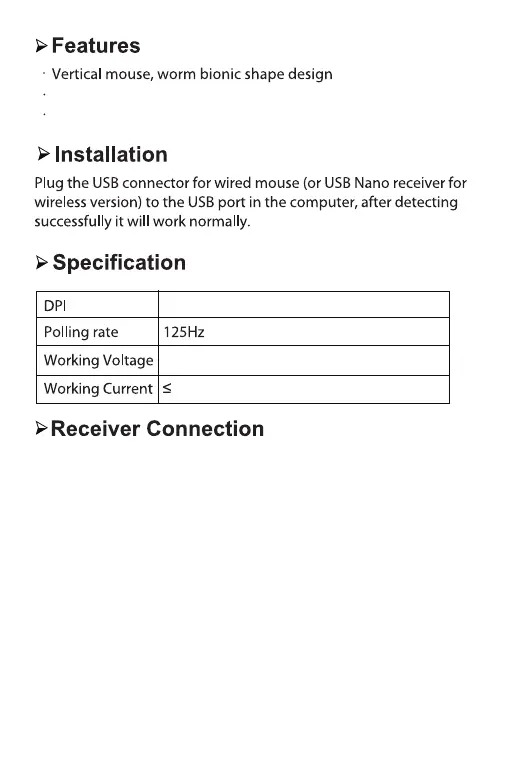
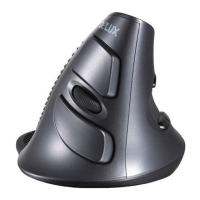
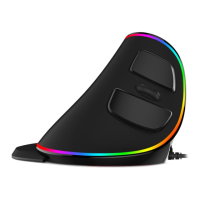
800/1200/1600/2400
5V
50mA
Dual modes, 2.4GHz+Bluetooth 4.0
2.4G: Connecting the receiver to computer USB port, pushing the
1/2 button on the mouse bottom to 1, pressing left and right
buttons while pushing ON/OFF button to ON, release left and
right buttons after 3 seconds then it will program automatically.
1.When the Nano receiver is plugged into USB port,your computer
will detect the device automatically.
2.Then the mouse can work normally in ON mode.
Bluetooth: Pushing the 1/2 button on the mouse bottom to 2.
Pressing bluetooth program button to enter bluetooth
programming mode, the indicator will light up with red color,
the light will be off after it’s programmed successfully.
2.
Built-in rechargeable Li-polymer battery


 To Next Page