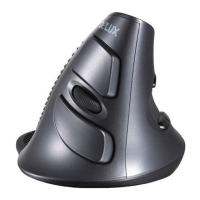
The indicator light will flash once after shifting the DPI to the first
grade, will flash twice after shifting the DPI to the second grade,
etc. 4 grades in total.
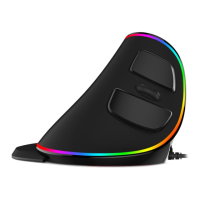
Breathing light: Pressing left, middle and right buttons at the same
time for 1 second to turn on/off the light.
Driver Instruction
1. Installation
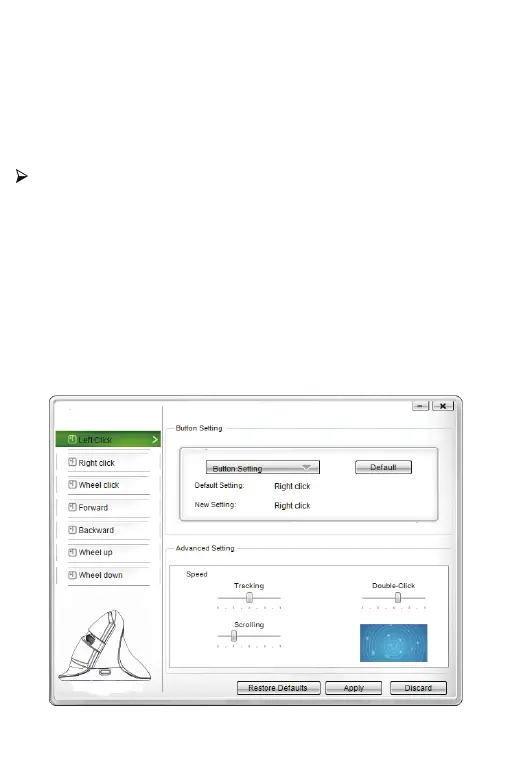
2.Setting
These functions can be customized as below
3.
Download the driver from www.deluxworld.com or the CD in the
package, install the driver.
Note: Please make sure this mouse is already connected to
computer when setting the functions in the driver.


 To Next Page