5
. control key
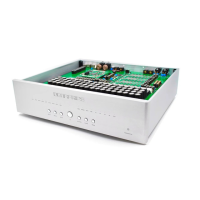
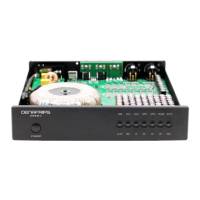
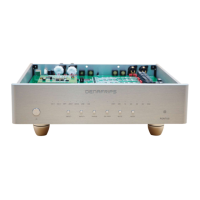
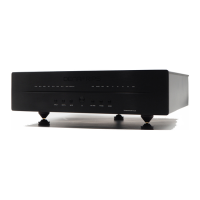
a. STANDBY, USB, COAX, OPT, I2S, OS/NOS, PHASE, and MUTE. press these buttons for direct control
of the audio input source, phase, sample mode, mute, and operating mode.
b. Description of each key
STANDBY (❶ in Fig. 1) Standby button: press the standby power button, the standby indicator in Fig. 1
goes out and the DAC starts to work; conversely, the light is on to indicate that the DAC handles the
standby state.
USB button: The indicator light indicates that the current audio source is a USB input source.
COAX button: The indicator light indicates that the current audio source is the COAX input source.
OPT button: The indicator light indicates that the current audio source is the OPT input source.
I2S button: Indicates the current audio source is an I2S input source.
OS/NOS Button: This is the switch for selecting between native sampling and oversampling. When the button
is pressed and the light is on, it indicates NOS (native sampling); when the light is off, it indicates OS
(oversampling).
PHASE button: Phase selector switch, when this button is pressed, the light is on for in-phase output and
off for inverted output.
MUTE button: When this button is pressed, all the audio source indicators are flashing.
3




 To Next Page