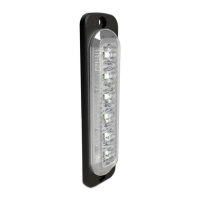
CAN bus Connector
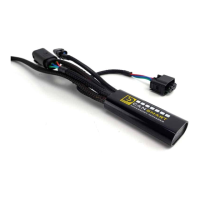
Brake Light Wiring Adapter
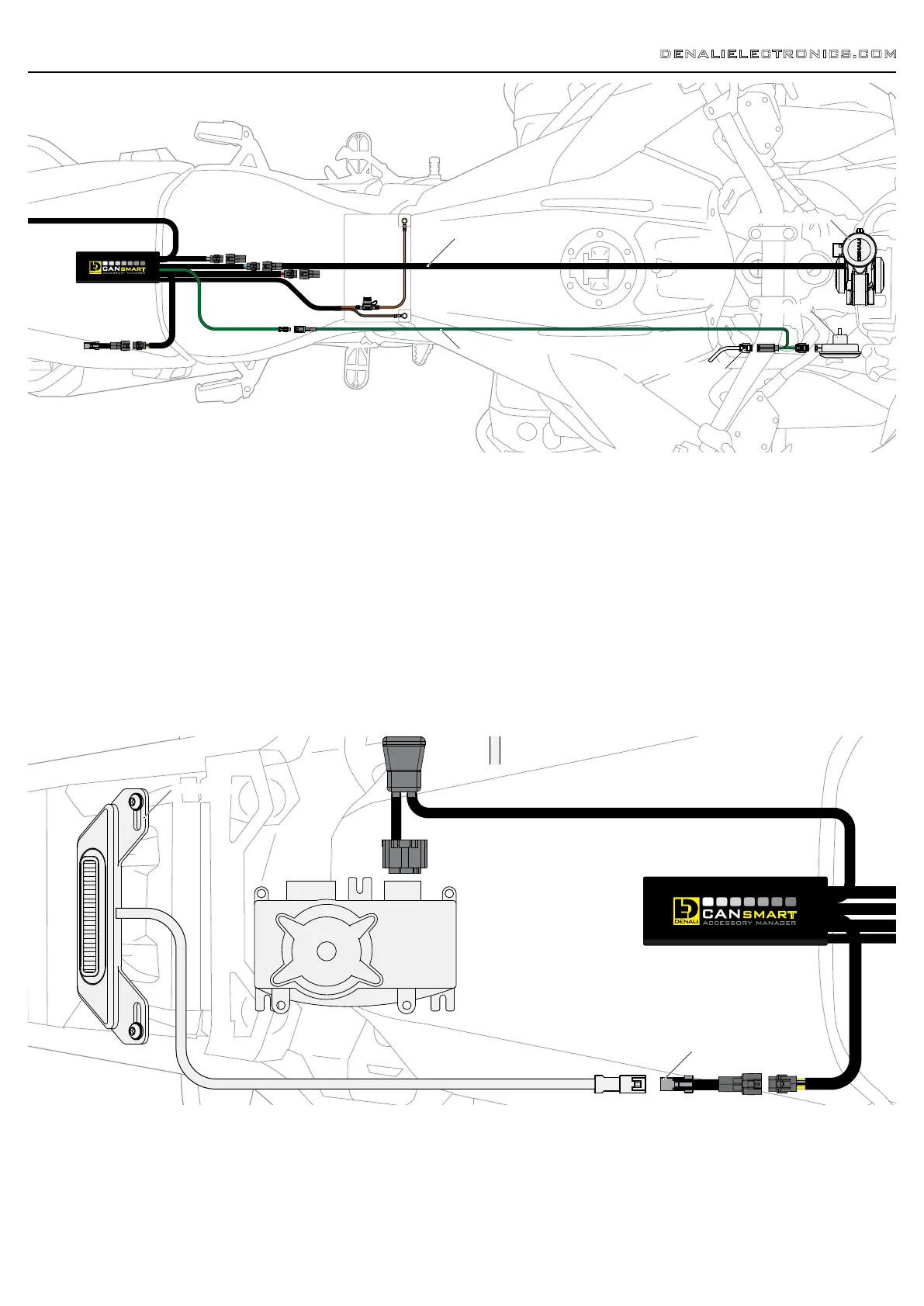
3.2 - Horn (Blue Circuit)
3. Connecting Accessories (continued)
DENALIELECTRONICS.COM
3.4 - Brake Light (Yellow Circuit)
Step One: Plug the male 2-pin connector of the Horn Extension into
blue horn circuit on the CANsmart™ Controller.
Step Two: Begin routing the harness toward the front of the bike.
Secure the harness to the vehicle’s frame along the way with the
included zip ties. Be sure to avoid any moving components such as
radiator fan blades or suspension.
Step Three: Plug the spade connectors of the Horn Extension into the
DENALI SoundBomb Horn. The Green wire connects to the positive (+)
terminal on the horn, the Black wire goes to the negative (-) terminal.
Brake Light Wiring Adapter
Step One: Route the harness of the DENALI B6 Brake Light from the
rear of your motorcycle toward the CANsmart™ Controller.
Step Two: Plug the Brake Light Pigtail into the connector on the DENALI
B6 Brake Light.
Step Three: Plug the male 2-pin connector of the Brake Light Pigtail
into the yellow brake light circuit on the CANsmart™ Controller.
SoundBomb™ Horn
Horn Extension
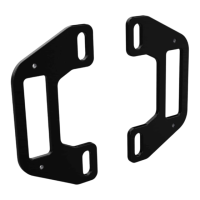
Brake Light
3.3 - Horn Input Pass Through
Step One: Plug the male 1-pin connector of the Horn Pass Through
Harness into the green with black stripe horn input wire on the
CANsmart™ Controller.
Step Two: Unplug the bikes wiring harness from the OEM horn, then
plug the female horn connector of the Horn Pass Through Harness into
the OEM Horn.
Step Three: Plug the male horn connector of the Horn Pass Through
Harness into the bikes horn wiring harness.
OEM Horn
OEM Horn Connector
Horn Pass Through Harness


 To Next Page