8.3 - Online Trouble Shooting Guide
For the most up to date comprehensive trouble shooting guide, please visit
DENALIelectronics.com/BMW
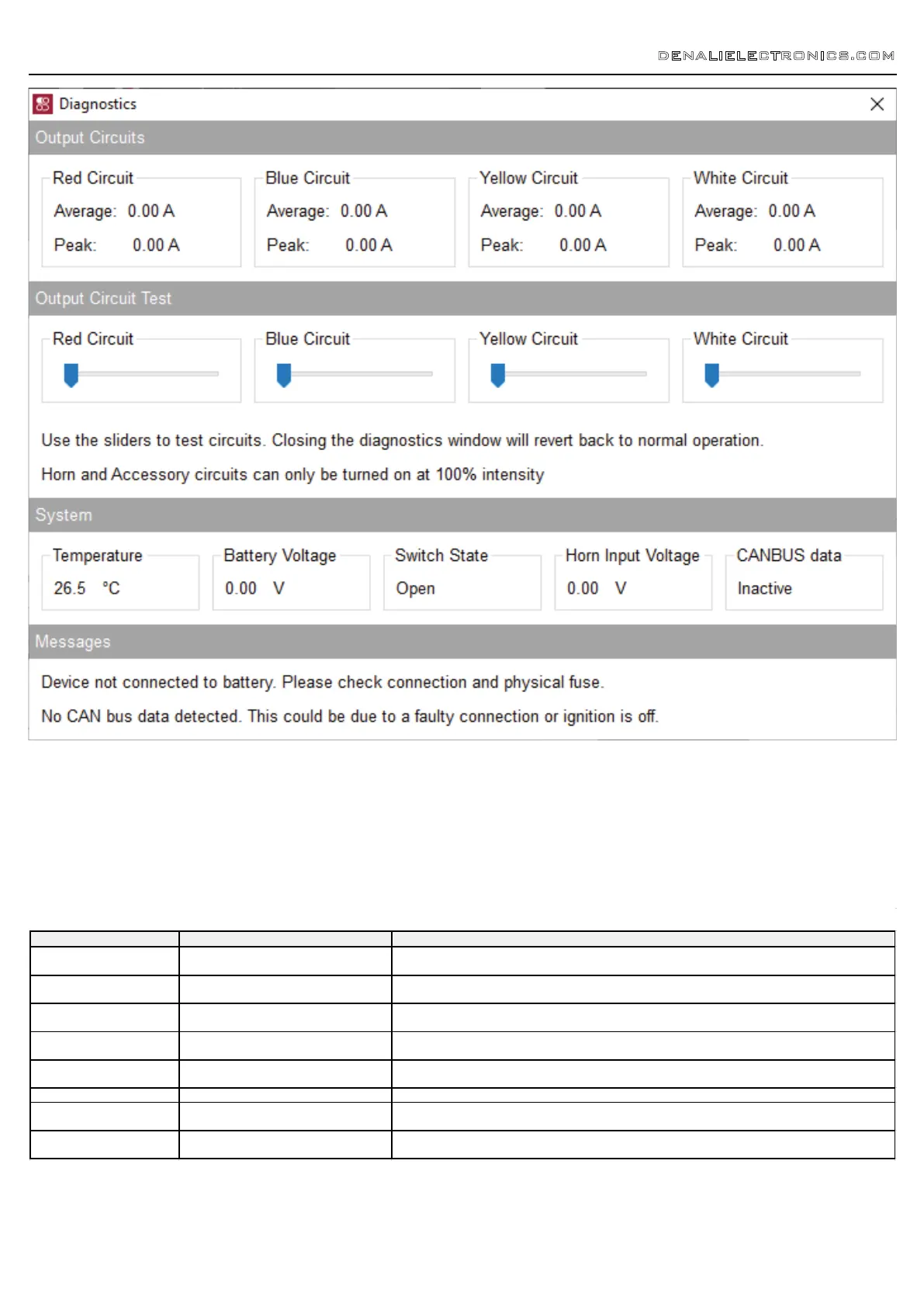
8.1 - Diagnostics Windows
The Diagnostics Window can be opened from the main menu. Use this
window to get an overall view of the systems power consumption, as well
as Battery/CAN bus voltage and device temperature.
Each circuit can be tested by sliding the slider underneath the circuit name.
The unit must be connected to the battery or another source of 12V DC
power in order to use the circuit test feature. The circuits will revert to
normal operation when the diagnostics window is closed.
DENALIELECTRONICS.COM
8.2 - Status Indicator Light
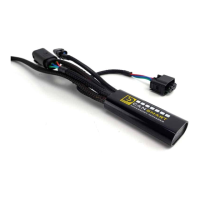
The CANsmart controller features a LED status indicator light, the light is
located next to the micro USB programming port. The chart above defines
each of the LED colors/flash patterns, and provides possible solutions to
any faults that are present in the system.
LED Color Status Solution
Solid Green
Normal operation, no errors present.
(Vehicle Ignition ON)
N/A
Slow Flashing Green
Normal operation, no errors present.
(Vehicle Ignition OFF)
N/A
Quick Flashing Green
Bootloader Mode (Should only be seen during
firmware upgrade)
Connect to software, should reset into normal operation
Solid Red Recovered from a unexpected failure
Connect to software, should attempt to reset to normal operation. Please report the exact circumstances to
DENALI for analysis.
Flashing Red
At least one channels electronics fuse has
been tripped.
Check/Increase fuse settings, cycle ignition to reset electronic fuses
Solid Green & Flashing Red Application Firmware Corrupt Connect to software, should offer an upgrade/recovery
Solid Red & Solid Green Device has been deactivated Return to DENALI for analysis. Please send log files info@DENALIelectronic.com for analysis by DENALI.
Flashing Red & Flashing Green
Data/configuration fault. (missing CAN bus
data)
Check that the correct CAN bus connector was used. If the problem persists please send log files to
info@DENALIelectronics.com for analysis by DENALI
CANsmart™ Status Indicator Light Key
8. Troubleshooting Guide


 To Previous Page