Auxiliary Light Set One
On/Off Rapidly press “info” button 3 times.
Enter Dimming Mode Hold “info” button for 1.4 seconds.
Adjust Intensity When in dimming mode, press “info” button to adjust between 0% and 100%.
Exit Dimming Mode Hold "info" button for 1.4 second or wait for 5 second time out.
Auxiliary Light Set Two
On/Off Rapidly press “info” button 3 times with the clutch lever pulled in.
Enter Dimming Mode Hold “info” button for 1.4 seconds.
Adjust Intensity When in dimming mode, press “info” button with the clutch lever pulled in to adjust between 0% and 100%.
Exit Mode Hold "info" button for 1.4 second or wait for 5 second time out.
Auxiliary Horn
Sound Auxiliary Horn Press vehicle's original horn button.
Auxiliary Brake Light
Activate Auxiliary Brake Light Apply ve
hicle’s front or rear brakes. (Can be set to flash upon deceleration.)
Controlling Accessories From The Motorcycle
DENALIELECTRONICS.COM
6. Software Overview (continued)
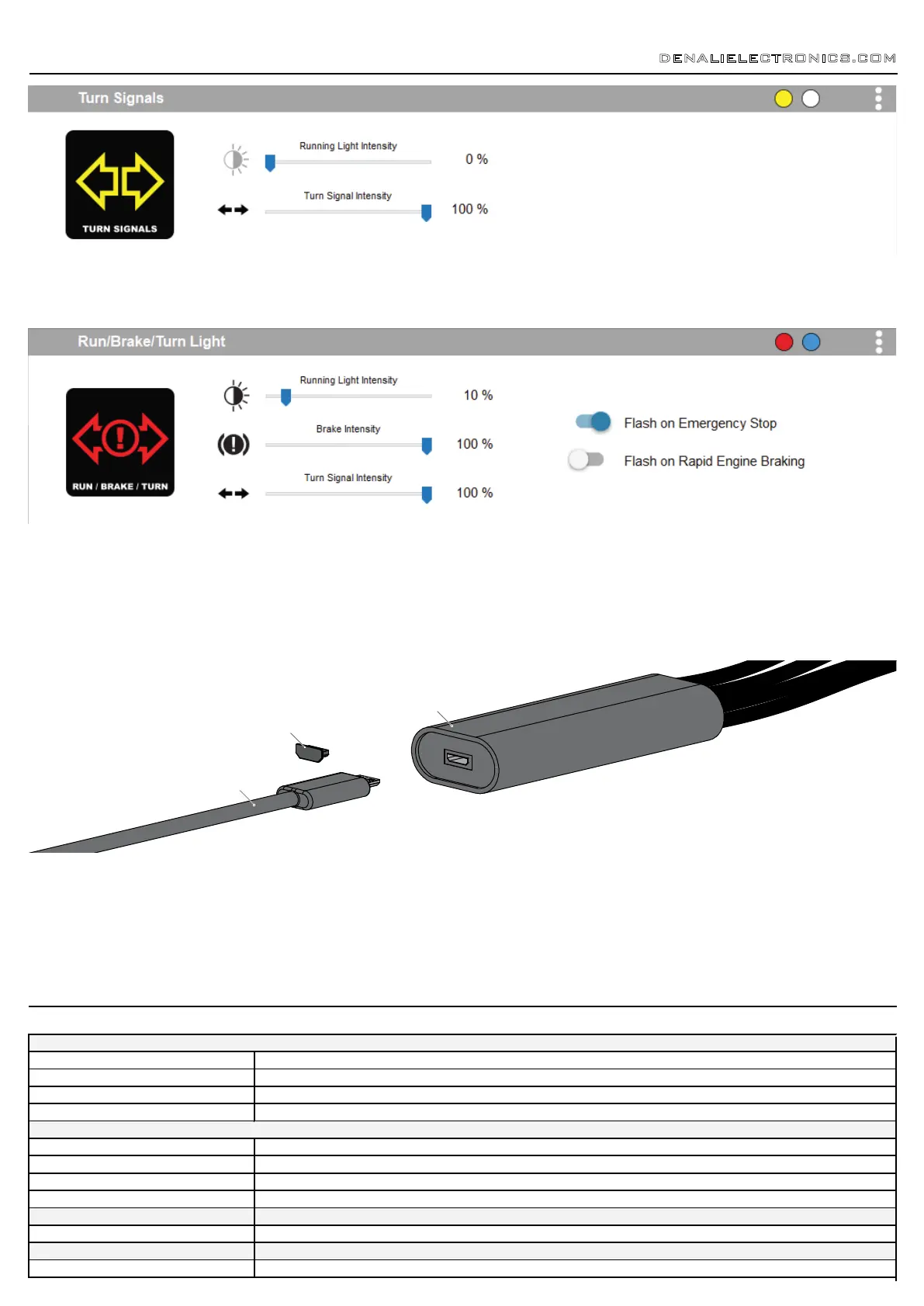
6.7 - Turn Signals
The turn signal circuit enables the addition of an auxiliary turn signals without having to tap into the bikes factory turn signal harness.
6.8 - Run/Brake/Turn
The run/brake/turn signal circuit enables the addition of an auxiliary run brake turn signals complete with flash patterns, all without having to tap into the bikes
factory turn signal or brake harness.
6.9 - Where To Download The Software
The CANsmart™ Accessory Manager Software is available for both Windows and Mac operating systems. To download your copy please visit
WWW.DENALIELECTRONICS.COM/BMW
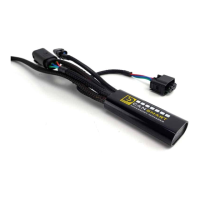
Step One: Remove the protective cap from micro USB port on the end of the CANsmart™ Controller.
Step Two: Plug the provided programming cable into the CANsmart™ Controller, and plug the other end into your computers USB port.
Step Three: Open the CANsmart Accessory Manger Software and turn the motorcycle’s ignition to the “ON” position.
6.10 - Connecting The Device To The Software
Programming Cable
Cap
CANsmart
7. Controlling Via The Motorcycle


 To Next Page