Operating with the remote control unit
1
Turn on the power of the source device you want to
use.
2
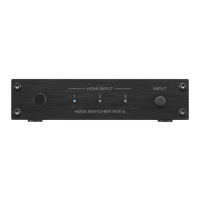
On the supplied remote control unit, press the HDMI
input source select button (1 to 3) to perform playback.
The indicator for the selected HDMI input is lit in blue.
0
You can also select an HDMI input by pressing the INPUT button
on the main unit.
3
Switch the input source for the AV receiver/AV
amplifier to the HDMI input connected to this unit.
4
Switch the input for the TV to the HDMI input connected
to the AV receiver/AV amplifier.
Contents Connections Operations Troubleshooting Appendix Specifications
16
Front panel Rear panel Side panel Remote


 To Next Page