Resetting factory settings
Perform this procedure if the display is abnormal or if operations cannot be performed.
Various settings are reset to the factory default values. Make settings again.
.
1
Press CD on the remote control unit to switch the input
source to “CD”.
2
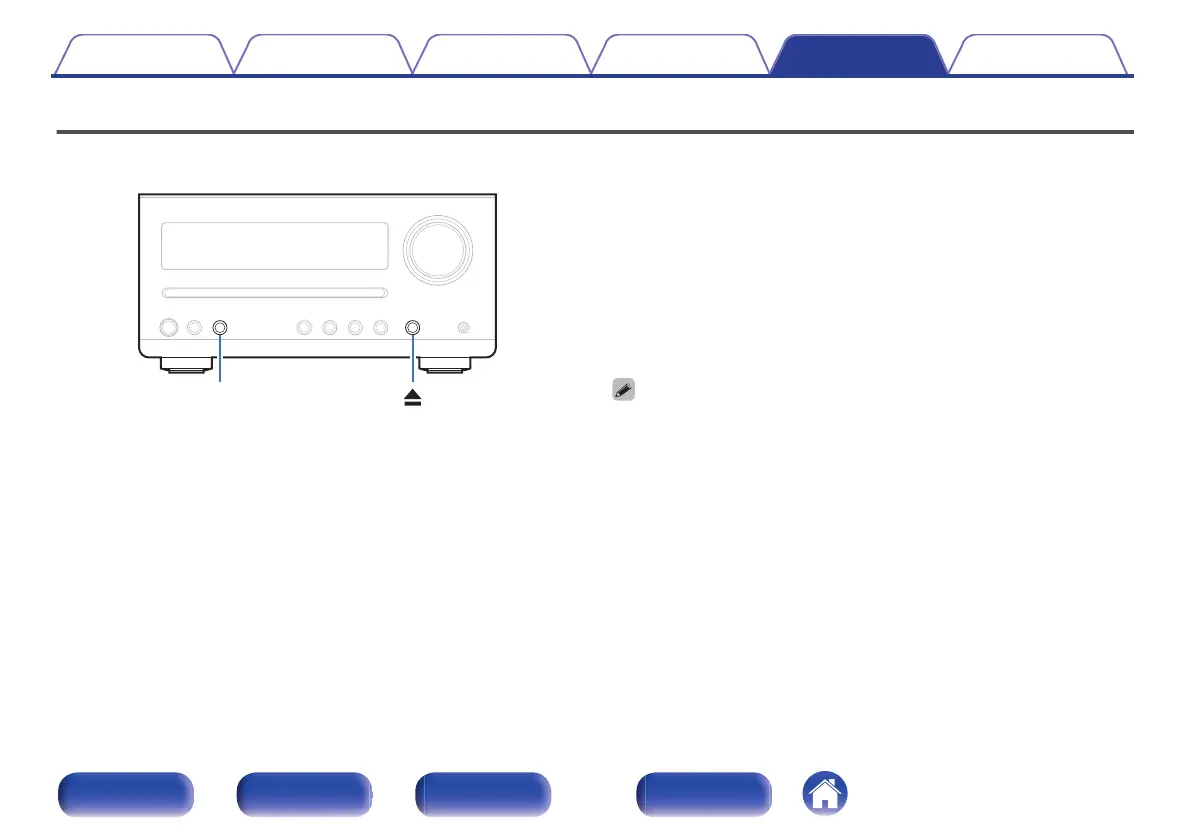
Press 5 to eject a disc.
3
While pressing and holding 5, press and hold SOURCE
for 5 seconds.
The “RESET” is displayed.
0
Repeat this process if “RESET” is not displayed.
Contents Connections Playback Settings Tips Appendix
59
Front panel Rear panel
Remote control
unit
Index


 To Next Page