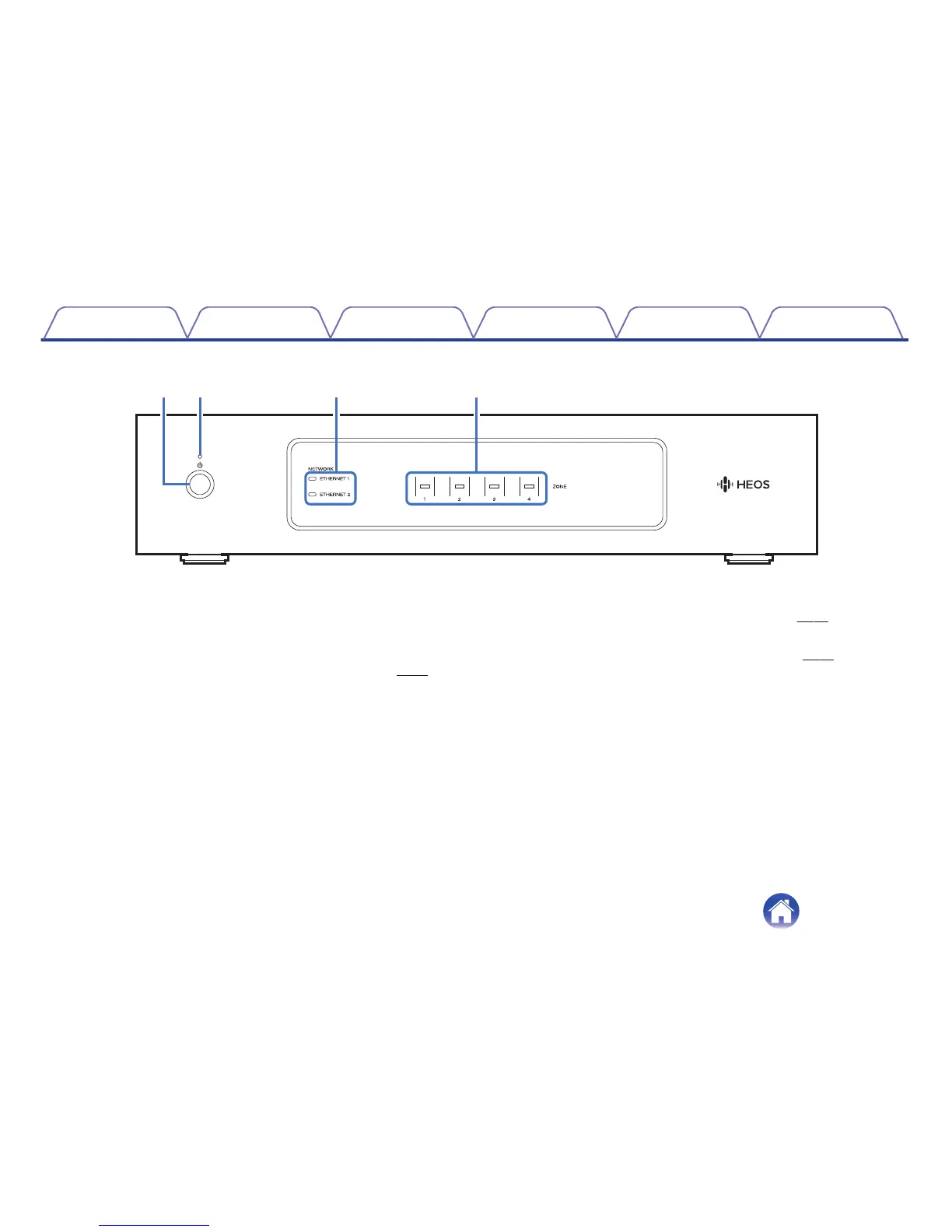
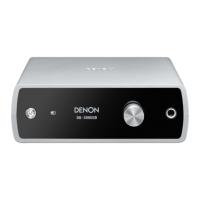
A
Power operation button (X)
Used to enter Quick Start Mode or Deep Standby and return from
them.
B
Power indicator
This is lit as follows according to the power status: (v
p. 51)
0
White: Power on
0
Off: Deep Standby
0
Red: When all Zone enter Quick Start Mode
C
Network indicators
Flashes green to indicate network activity. (v
p. 52)
D
Zone indicators
Please refer to the “Status indicator Table”. (v p. 53)
Contents Setup Use Troubleshooting Status LED Appendix
9



 To Next Page