Personalizing your earbuds
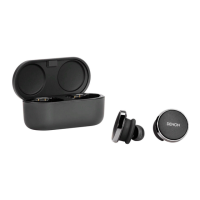
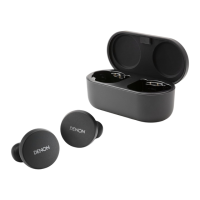
Before you can start using your earbuds, you will need to create your
unique hearing profile. Your earbuds automatically learns how you hear by
running a quick hearing test.
o
Before personalizing your earbuds
1
Download the Denon Headphones app.
2
In the Denon Headphones app, tap “Create an account”
and enter your details. If you already have a Denon
account, then tap “Log in” instead.
3
Select “Denon PerL Pro”.
4
Pair your earbuds with your mobile device.
o
Personalizing your earbuds
1
In the Denon Headphones app, tap “Begin” to begin
personalization.
2
Adjust your earbuds by rotating them back and forth
until you see two constant ticks on the Denon
Headphones app screen. Once you have a good fit,
personalization starts and takes about a minute.
3
Tap “Personalised” to hear music with your hearing
profile applied.
4
Tap the “Social Mode” button to hear your
surroundings.
5
Customize your earbuds touch buttons. You can also
do this later via “Device Settings”.
Your earbuds is now personalized with your unique hearing profile.
Contents
Basic part Advanced part Headphones app Troubleshooting Appendix
9



 To Next Page