Connecting your earbuds to other products
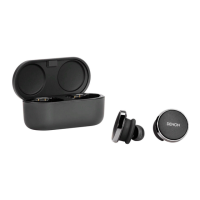
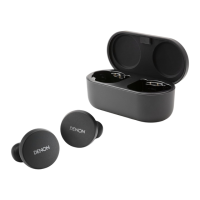
You can connect your earbuds to other products using Bluetooth.
o
Computers
Mac
1
Tap and hold down both touch buttons on each side of
your earbuds to enter pairing mode.
2
On your Mac, choose “Apple menu” > “System
Preferences”, then click Bluetooth.
3
Select “Denon PerL XXX” on the device list.
PC
1
Tap and hold down both touch buttons on each side of
your earbuds to enter pairing mode.
2
Click the Bluetooth icon on your computer’s taskbar.
3
From Bluetooth & other devices, click add Bluetooth or
other device.
4
Select “Denon PerL XXX”.
o
TVs
Audio configurations on TVs vary. Check your TV’s connectivity is
compatible with Denon PerL connectivity.
Contents Basic part Advanced part Headphones app Troubleshooting Appendix
15



 To Next Page