Charging the earbuds and charging case
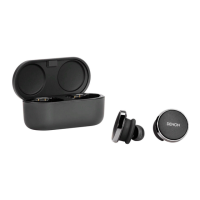
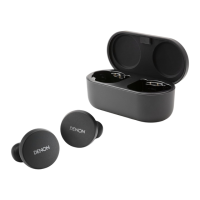
The earbuds battery provides 6 hours of wireless use, and up to 24 hours of use when using the charging case.
0
To charge your earbuds
Place them in the charging case and close the lid. Your earbuds shuts down and charges when placed inside the charging case. Your charging case
holds multiple full charges for your earbuds so you can charge on the move. To keep your earbuds charged, put them in the charging case when you're
not using them. The earbuds take approximately two hours to fully charge via the charging case.
0
To charge your charging case via USB
Connect the case to the included USB-C charging cable and plug it into a computer or wall adapter. The LED lights will pulse when charging. Once fully
charged, the LED lights will turn solid. The charging case takes approximately two hours to fully charge via the charging cable.
Contents Basic part Advanced part Headphones app Troubleshooting Appendix
11





 To Next Page