Turning your earbuds on/off
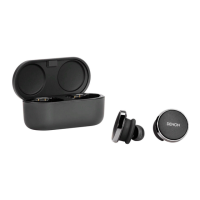
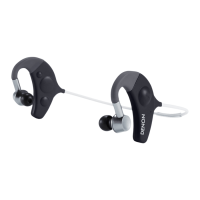
Your earbuds turns on automatically when you put it in your ears.
To power on: Remove your earbuds from the charging case.
To power off: Place your earbuds into the charging case.
Power reserve: By default, your earbuds will pause playback if one
earbud has been removed from your ears and resume when placed back
on. Your earbuds will automatically power off after 60 seconds if both
earbuds have been removed from your ears. You can customise the
power reserve functionality within the Denon Headphones app.
Downloading the Denon
Headphones app
To set up your earbuds, you will need to personalize it via the Denon
Headphones app.
You can download the Denon Headphones app from:
0
iOS — the App Store
0
Android — Google Play
Denon Headphones app system requirements:
0
iOS — iOS 9.3+ and Bluetooth
®
4
0
Android — Android 5.0+ and Bluetooth
®
4
Contents
Basic part Advanced part Headphones app Troubleshooting Appendix
7






 To Next Page