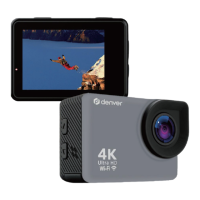
ACT-5002Quick Start Guide
ENG-4
Digital zoom-out: select menu (after opening the
menu); file page-down ;Fast forward video
(playback mode)
Indicator lights in red during charging, and the
indicator turns off after charging full.(Power off
charging)
When the camera is busy (for example: during film
recording, capturing, automatic screen-off), the
busy indicator will light.
Start to use
1. Charge the built-in lithium battery
The camera is equipped with built-in 3.7V lithium battery. Please ensure power
available for the camera and timely charge it in case of low battery.



 To Next Page