ACT-5002Quick Start Guide
ENG-5
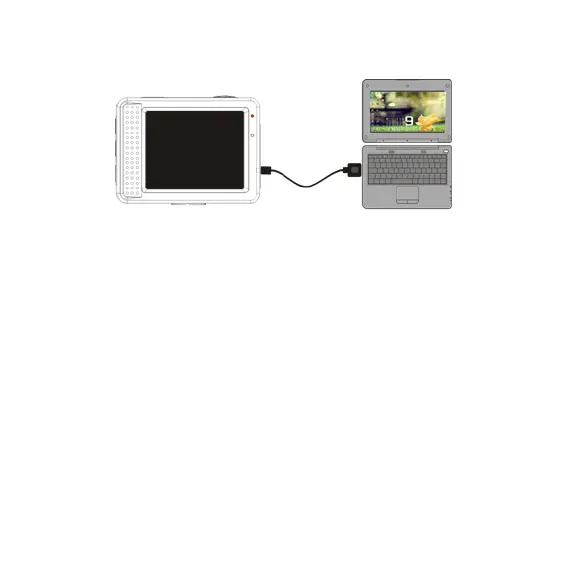
Connect the camera to computer for charging under shutdown status. The
charging indicator will be on when charging, and will be off when the battery is
fully charged. Generally, the battery can be fully charged after 2-4 hours.
2. How to use the memory card
2.1 Properly insert the TF card into the card holder as per the instructions
indicated near the card holder.
2.2 To remove the TF card, press the end of memory card gently, the card will be
ejected.


 To Next Page