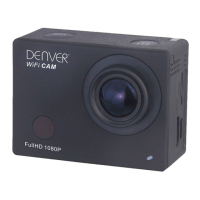
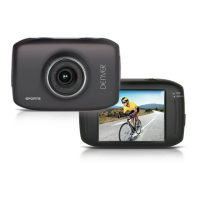
ACT-5002Quick Start Guide
ENG-6
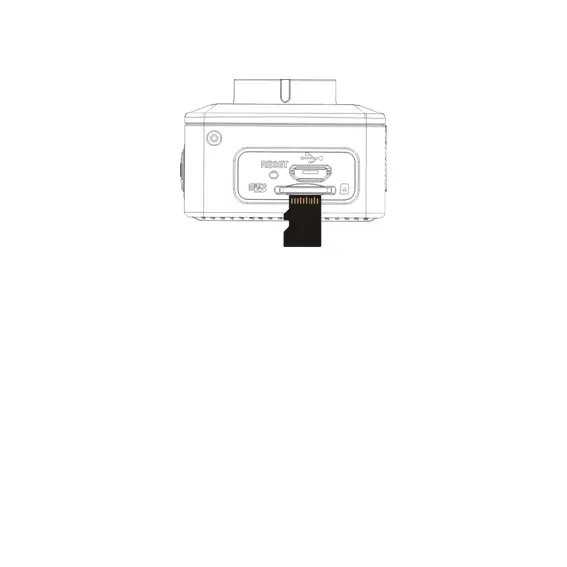
Note: The camera is not equipped with built-in memory. Please insert
memory card before using. Before using the camera, it is a must to
format the memory card on the camera.
3. Startup and shutdown:
3.1 Startup: press the POWER key for 3 second, the camera will show startup
screen and enters into POWER ON state;
3.2 Shutdown: press the POWER key when the camera is under idle mode to
shut down;
3.3 Auto shutdown: the camera will be shut down automatically when the camera
is under idle mode for a certain time to save power. The default time for auto
shutdown is 3 min.


 To Next Page