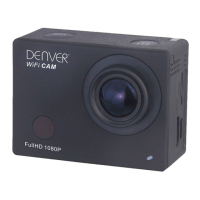
ACT-5002Quick Start Guide
ENG-7
3.4 Shutdown under low power: when the battery is
under low power, the LCD will indicate “ ”.
Please charge the battery timely. When the icon turns red and flashes, the
camera will be shut down automatically.
4. Function modes switching
The camera has 3 modes: photo mode, recording mode, and playback mode.
Use the power key to switch the modes after starting up.
Recording mode: for recording videos;
Photo mode: for taking photos;
Playback mode: for playing back the current video.
5. Indicators
6.1 BUSY indicator: When the camera is working (e.g. recording, photographing,
auto screen off etc.), the indicator will light;
6.2 Charging indicator: In shutdown state, the lightened indicator means the user
is charging the camera.
6. Photo/recording mode
(With maximum 29 minutes video recording and then stop.Must be started



 To Next Page