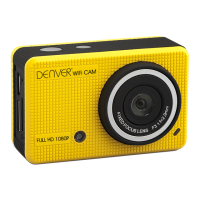
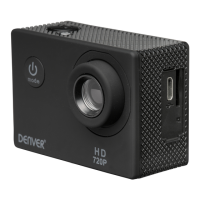
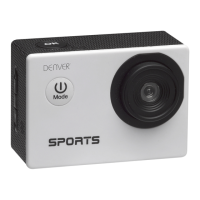
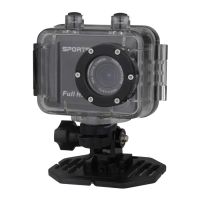
ACT-5002Quick Start Guide
ENG-8
manually on the camera again.)
It enters automatically into recording mode.
Press Shutter to start recording, and press Shutter again to stop recording.
Stops automatically when 29 minutes of video recording is reached.
Press Shutter to directly take photo.
In rerecording/photo mode, press Up/Down for digital zoom in/out.
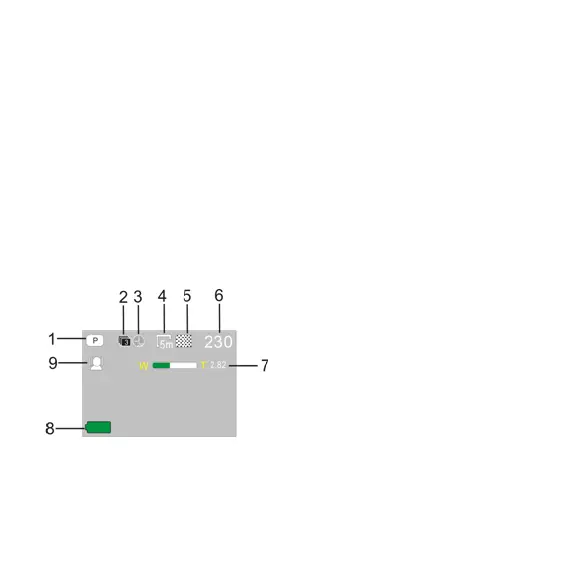
6.1 Screen display in photo mode
1. Photo mode
2. Three photos continuous
shooting mode
3. Self-timer mode
4. Photo resolution
5. Photo quality
6. Available shooting count
7. Icon of digital zoom
8. Battery state
9. Face detect


 To Next Page