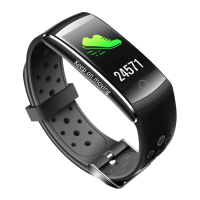
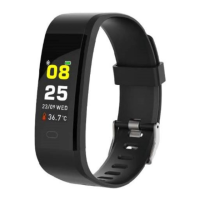
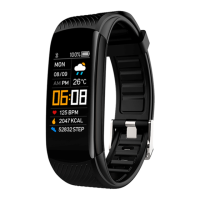
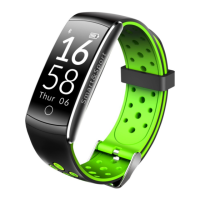
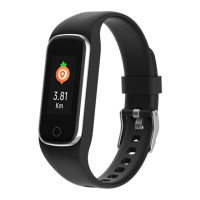
How to wear
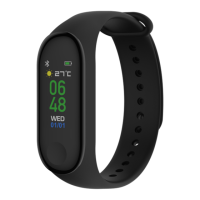
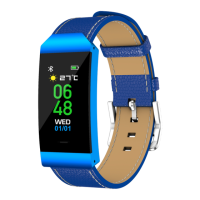
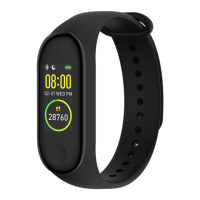
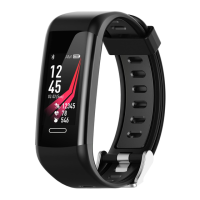
Adjust the wristband by using the adjustment hole and buckle
the belt buckle securely. Ensure that the sensor is in close contact
with the skin of your wrist.
Charging the fitness band
Before your first use, please make sure that the fitness band is
suciently charged. If the device does not turn on normally, pull
out the strap and charge the device using the charger. The fitness
band will automatically turn on.
Installing the app on your phone
To install the app (Fit Pro) on your phone, either scan the QR
code or go to the App Store, download, and install the app.
System requirements:
Android 5.0 or above, iOS 9.0 or above, Bluetooth 4.0 support
Smart Wristband User Manual
Android/iOS
ENG-2


 To Next Page