ENG-4
Step two:
Plug the fitness band into the USB port and check the charging
status on the screen.
To turn on the device, press and hold the function button for
more than 3 seconds.
In the Bluetooth address interface, press and hold the button
for 2 seconds to turn off the fitness band. Short press to exit the
shutdown page.
Resetting the fitness band: this function will clear all data,
including step count, from the fitness band.
Press the function key briefly while the device is powered on to
turn on the screen.
If there is no operation for 5 seconds, the screen will
automatically turn off.
Switch to the heart rate three-in-one interface to start the test.
The interface will automatically turn off the screen after a
timeout of 60 seconds. Note that heart rate and blood pressure
testing require hardware support on the fitness band.
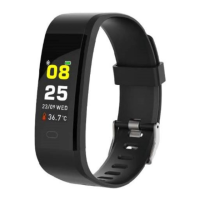
Clock interface
After syncing with the phone, the fitness band will
automatically calibrate the time.
Press and hold the standby interface for 2 seconds to switch
between a 24-hour and 12-hour clock interface. (tracks steps)
Fitness band function description


 To Next Page