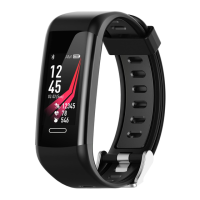
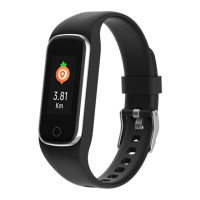
ENG-3
Connecting the device
For the initial setup, you need to connect the wristband to the app
for calibration. The device name of the fitness band is BFH-147.
Once the connection is successful, the fitness band will
automatically synchronize the time.
Charging the device:
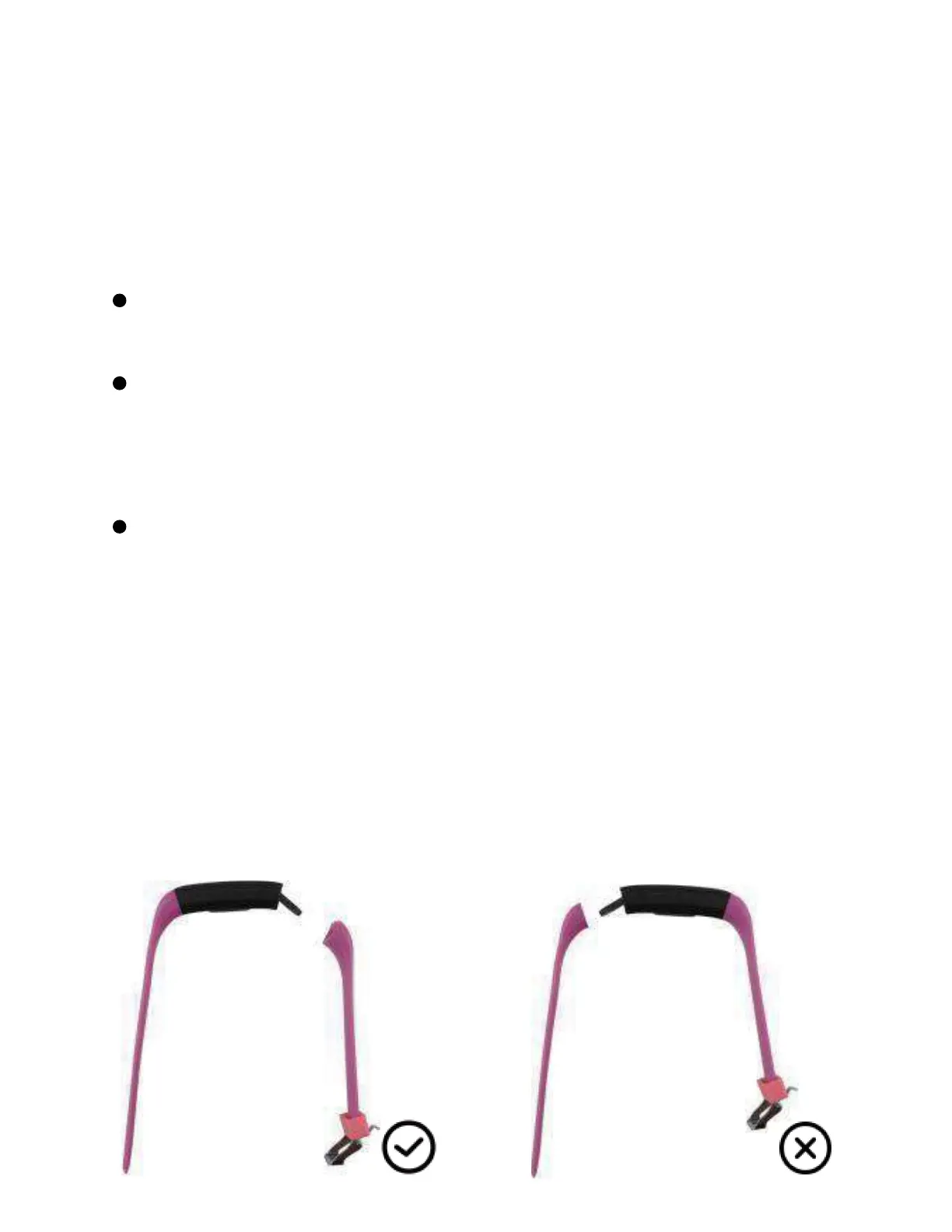
Step one: pull out the strap
This action must be performed by an adult. Pull out the strap from
the buckle side. Before charging, ensure that you have removed it
from the correct side. When discharged, charge the device for a
minimum of 5 minutes before turning it on.
Open the Fit Pro app on your phone, click to start scanning, and
then click on the device connection option.
After successful pairing, the app will save the Bluetooth address
of the fitness band. Whenever the app is opened or running in
the background, it will automatically search and connect to the
fitness band.
Android mobile phone: Ensure that the app runs in the
background and that your mobile phone's system settings
grant all necessary permissions, such as running in the
background and accessing contact information.


 To Next Page