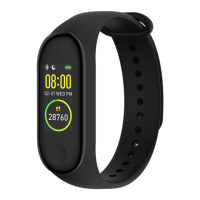
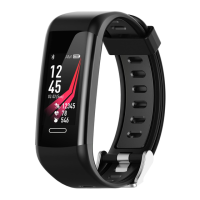
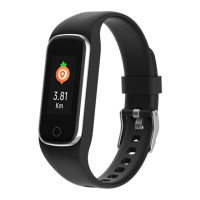
2. If there is no operation for 5s, the screen will turn off by default.
3. The system will automatically start measuring heart rate when it is switched to heart rate interface, and the
screen will turn off 5s after the result is displayed
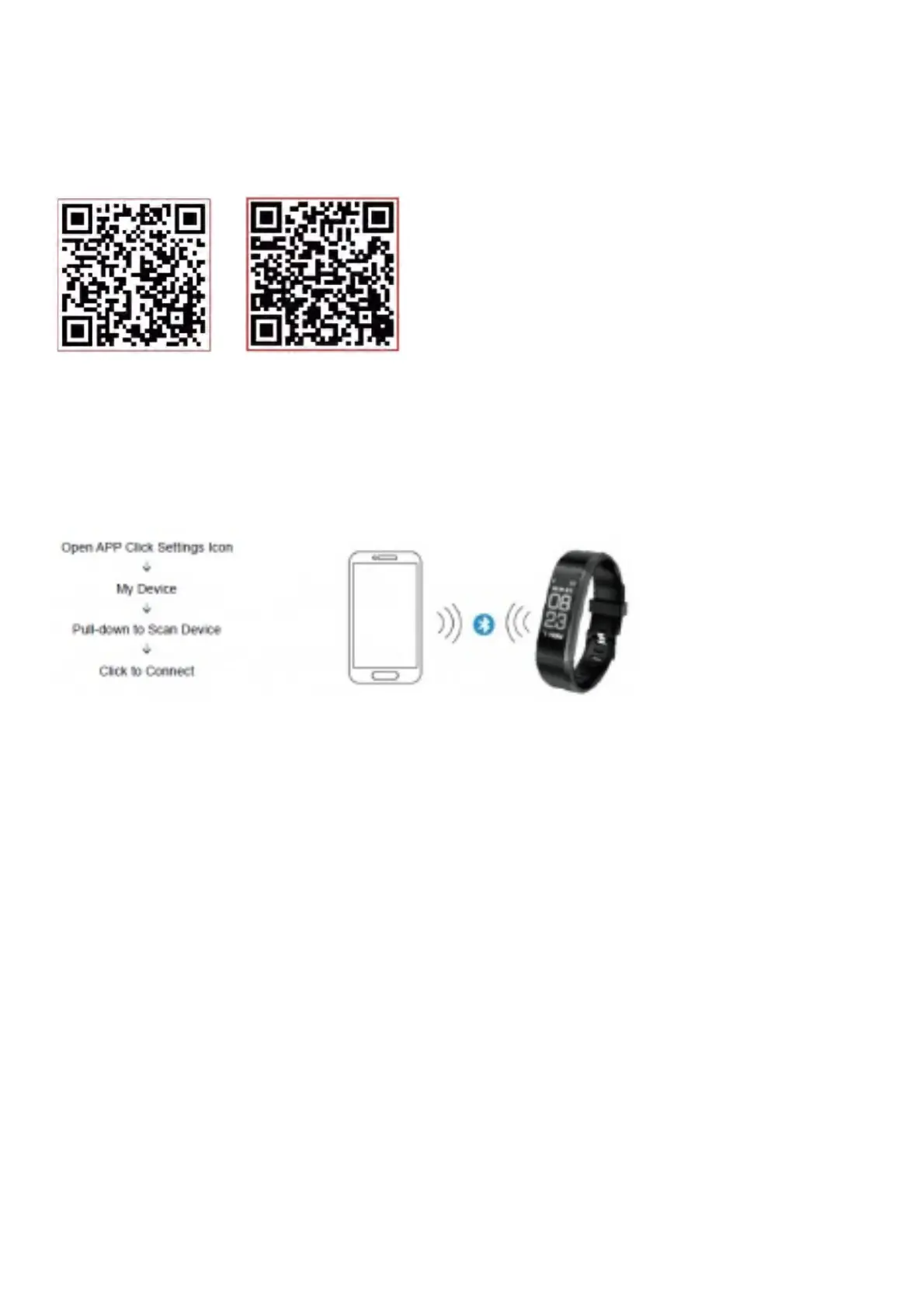
Install APP on Phone
Scan the following QR code or enter the application market to download and install “Yoho Sports”
Android iOS
System requirements: Android 5.0 and above, iOS 8 and above, phone supports for Bluetooth 4.0.
How to Connect
Connect the APP on the first use to calibrate the band, automatic sync time, otherwise steps and sleep data will be
incorrect.
1. After pair finished, APP will remember bluetooth’s address automatically. Once opened or running in
background, APP will search and connect band automatically.
2. Please make sure the APP is permitted to run in background mode
Main APP Features and Settings
Personal Information
Please set your personal information straight after entering APP, Settings → Personal Settings.
Enter your gender, age, height and weight. Set your activity goal and sleeping goal, so you can monitor the
completion. You can set a time period to remind you of a lack of activity, or you can turn off it in the notification menu
Notifications
Incoming Call:
Vibrates and name or number displayed (Display name only if it’s in your contacts, display number otherwise.)
Message:
Vibrates reminder with name from Contacts or number if unknown.
Other Notifications:
Vibrates when there are Wechat, QQ or other notifications.



 To Next Page