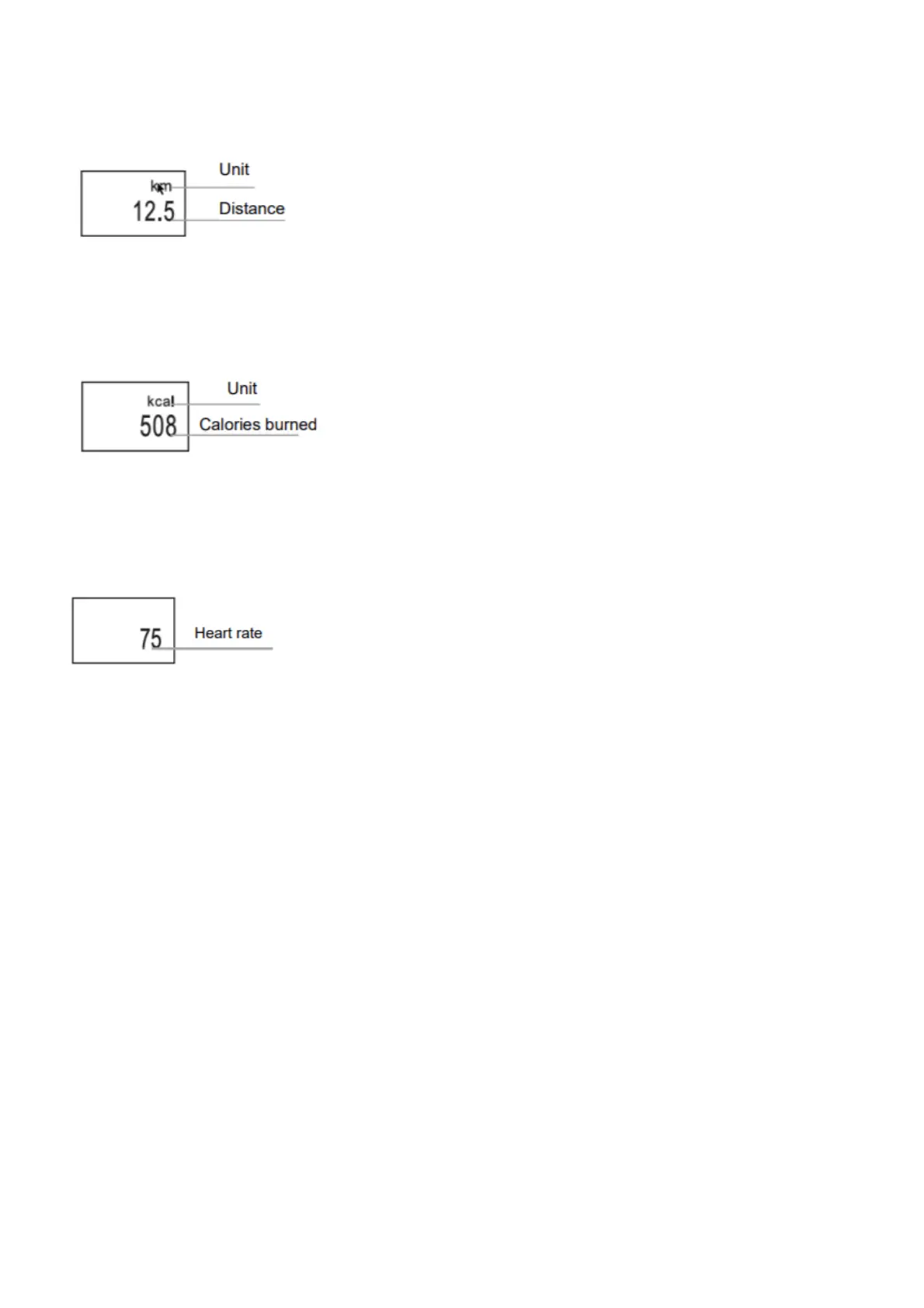
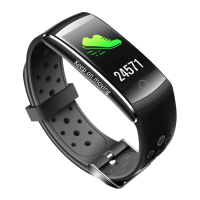
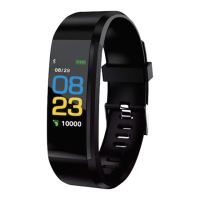
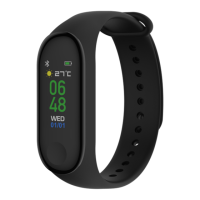
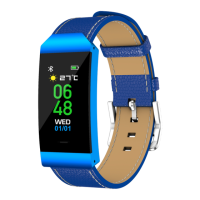
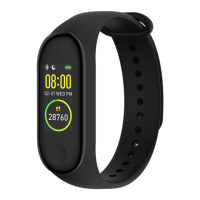
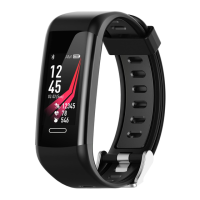
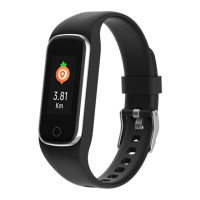
Distance Interface
Show total distance via calculating steps,
Calories interface
Record burned calories within exercise,
Heart Rate Interface
Band will start measuring heart rate as soon as it is switched to heart rate interface.
Heart rate interface requires the band to have a heart rate sensor
Sleep Mode
When sleeping, the Band will automatically monitor how long and how well you sleep; check data only on APP
terminal.
Warm tips: please wear the band when sleeping so as to record your sleep data.
FAQ
Why no notification after enabling it?
Android users: Make sure the band connects with your phone. Then, open Settings and set privilege and allow it to
access Incoming Calls, Messages and Contacts while it is running in the background. If any security APP is installed,
add Yoho Sports to trusted suppliers list.
iOS users: No notification even when it is connected, please reboot the phone and connect again. Then click Pair,
after Bluetooth Pairing Request.
Safety Notice
1. Don’t wear the band when showering or swimming.
2. Please connect the band when you are syncing data.
3. Use the built-in charging line for charging.
4. Don’t exposure the band to extreme humidity or extremely high or low temperatures.
5. If the band crashes, check your phone’s memory and that your phones service is sufficient, and then restart
your phone and try again.
Please notice – All products are subject to change without any notice. We take reservations for errors and omissions
in the manual.



 To Next Page