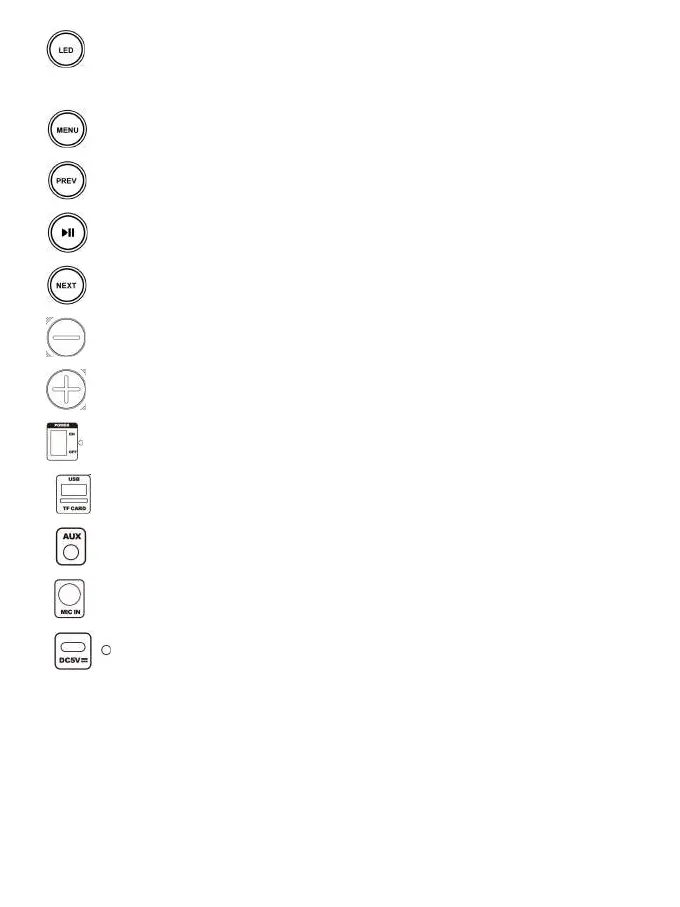
2. : Short press to select the LED light mode; Press and hold to turn OFF the light,
short press again to turn on the light.
3. : Press to switch between volume control of microphone, Treble, Bass, Echo.
4. : Previous song.
5. : Short press to play/pause music; press and hold to connect TWS.
6. : Next song.
7. : To reduce volume;
8. : To increase volume;
9. : Switch to POWER ON/OFF.
10. : USB & MicroSD card slot.
11. : Aux Input.
12. : Microphone input.
13. : Charging port & charging LED light.


 To Next Page