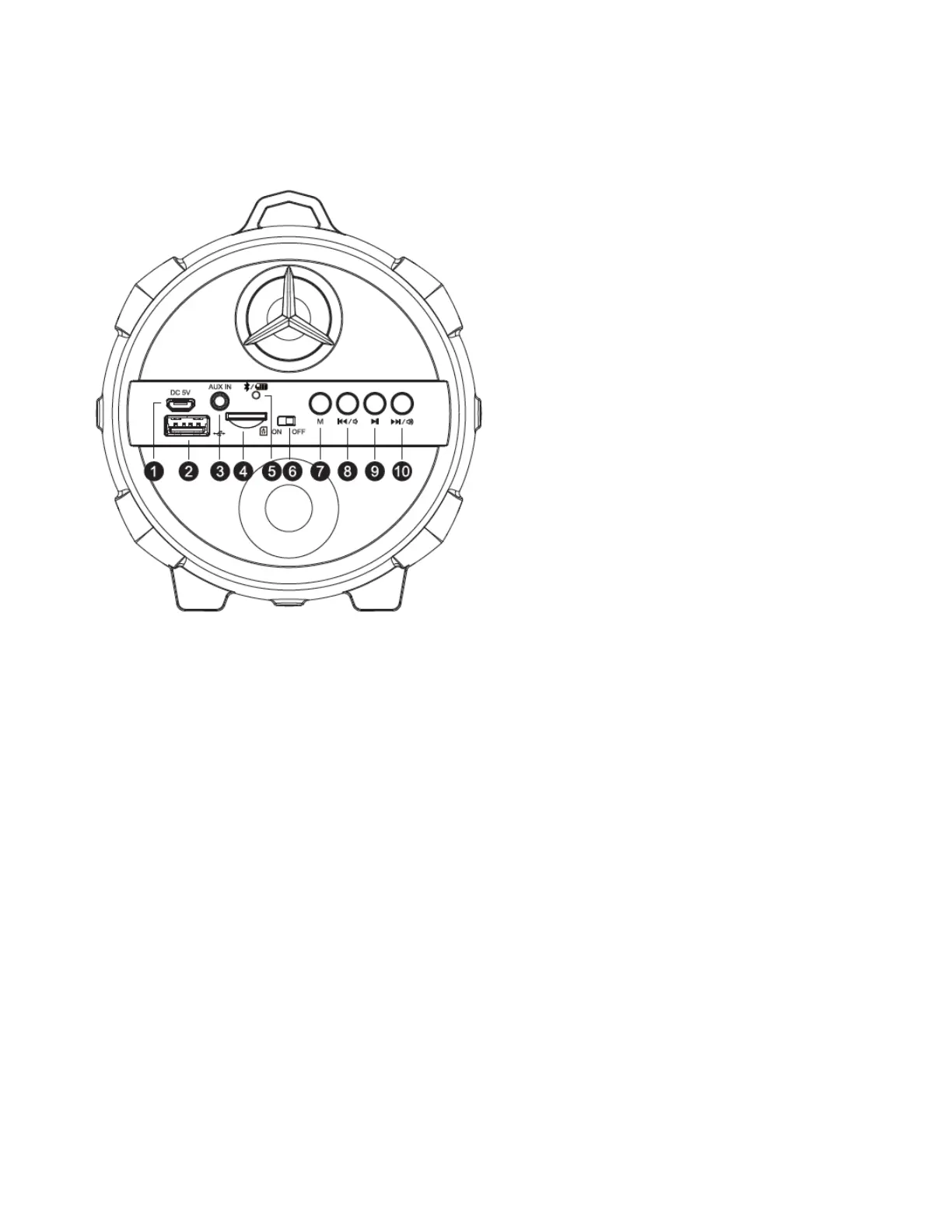
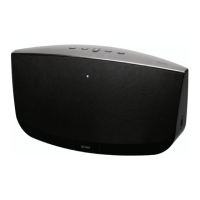
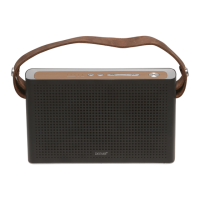
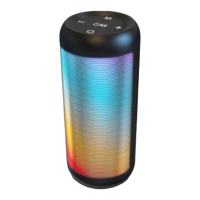
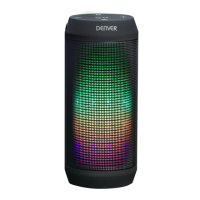
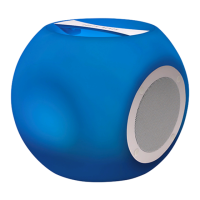
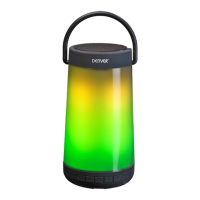
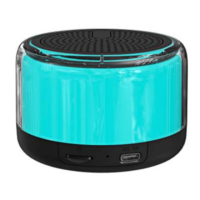
Product Overview
1. Charging Port (Use USB cable to charge via PC)
2. USB Port (For media)
3. AUX-IN jack
4. MicroSD Card Slot
5. Bluetooth/battery Indicator
6. Power ON/OFF Switch
7. Mode Button (Switch between Bluetooth, USB, MicroSD card reader, and AUX-IN mode)
8. Previous track/ Volume down button
9. Play/Pause
10. Next track/Volume up button
Charging
There are two ways to charge the speaker.
1. Plug the USB charging cable into speaker and connect to another USB power source like
PC/MAC, etc.


 To Next Page