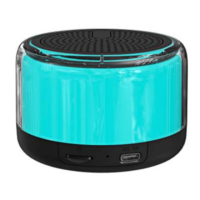
2. Use the AC adapter to charge (not included).
Please turn off the speaker when charging.
Indicator Status
Connecting
Bluetooth connection
Slide power button to ON position
The speaker BT indicator will flash in blue
Search the Bluetooth device on your cellphone, select “BTS-52” in the list
BT indicator will stop flashing after the speaker is linked to the phone.
Media files supported via USB/MicroSD card reader: MP3, WMA, WAV.
FAQ:
1. Unable to turn on the speaker
Make sure the battery is full and the battery indicator light is on.
2. Unable to connect to BT-enabled device
Make sure that the device is in BT mode, and is within 10 meters from the speaker.
Ensure that neither the speaker nor the device is blue-connected to any other devices.
3. No sound heard
Please turn up the volume.
4. The speaker has no response
Please power off and try again.



 To Next Page