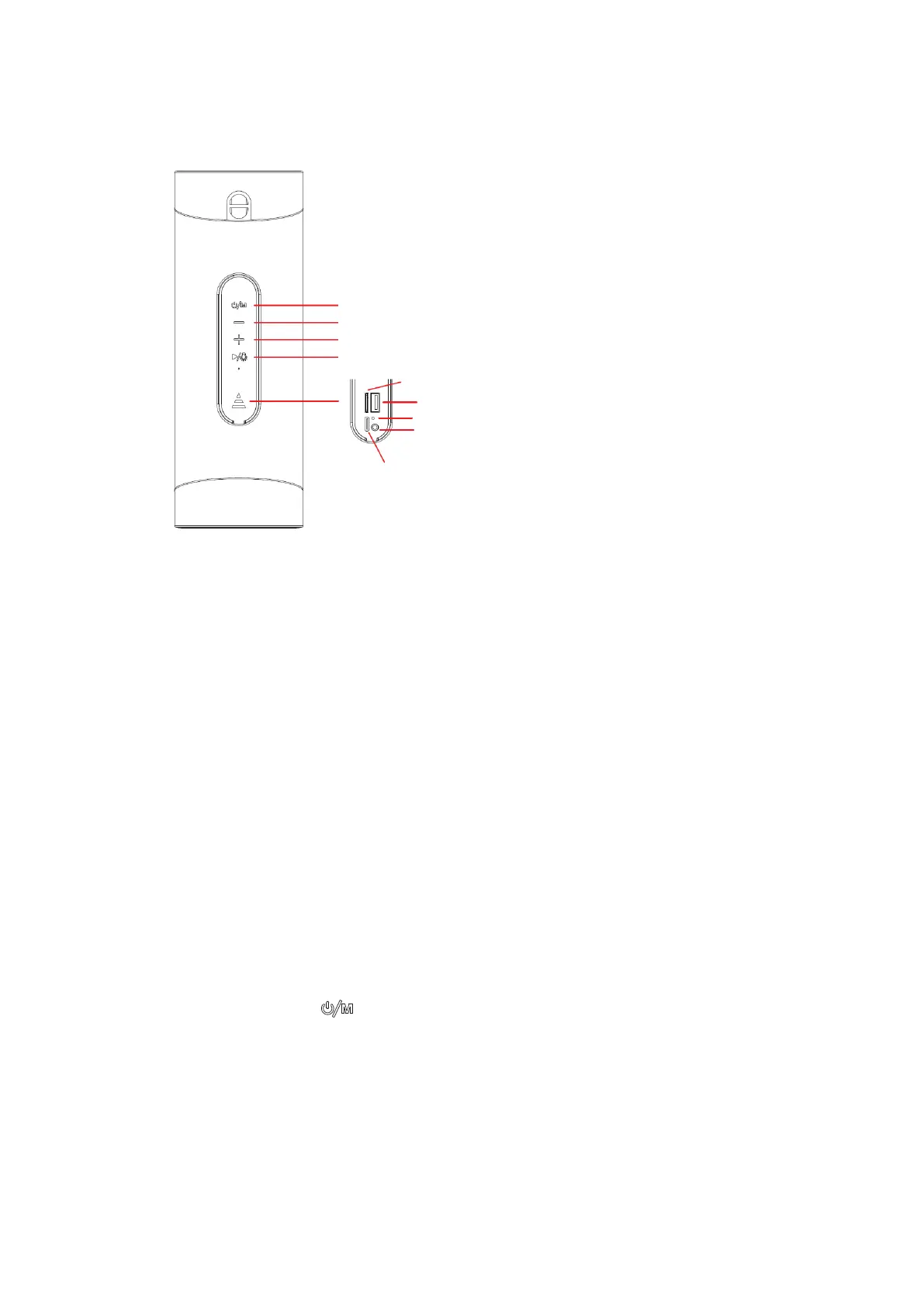
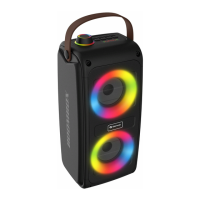
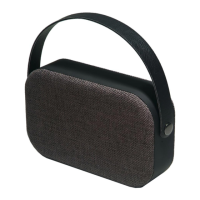
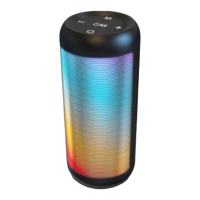
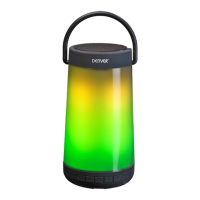
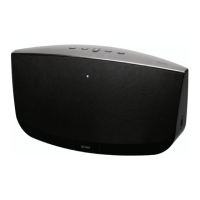
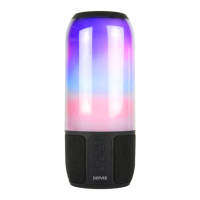
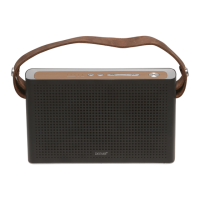
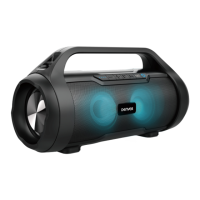
DESCRIPTION OF PARTS
BTV-208 Wireless Speaker
Package Contents:
• Speaker
• Charging Cable
• Instruction Manual
TECHNICAL SPECIFICATIONS
• Bluetooth Version: V5.0
• Bluetooth Range: 10 Meters
• Battery: Built-in 1800 mAh Lithium Ion Battery
• Operating Time: approx. 3 - 4 hours
• Charging Time: approx. 2 - 3 hours
• Speaker Output Power: 2 x 5 W
• USB port and SD card slot for MP3 playback
3.5 mm audio input for connection of MP3 player, etc.
• LED light show
INSTRUCTIONS FOR USE
How it works:
1. Ensure the product is fully charged before first use
2. Press and hold the button for three seconds to turn on the speaker.
3. Press the Mode button to choose between Bluetooth / USB / microSD card / Aux in
modes.
4. To pair with your Bluetooth device, go to Bluetooth settings on your phone, search for
‘BTV-208’ and press “Connect”. Once connected you will hear sound.


 To Next Page